Clean up your inbox in minutes
Automate and clean up your inbox with bulk unsubscribe, smart archiving, and AI-powered email management. Take back control of your email.









Take back control of your inbox
Clean up your inbox in minutes. Bulk unsubscribe from emails, archive old messages, and let AI manage your inbox automatically. No more drowning in email chaos.
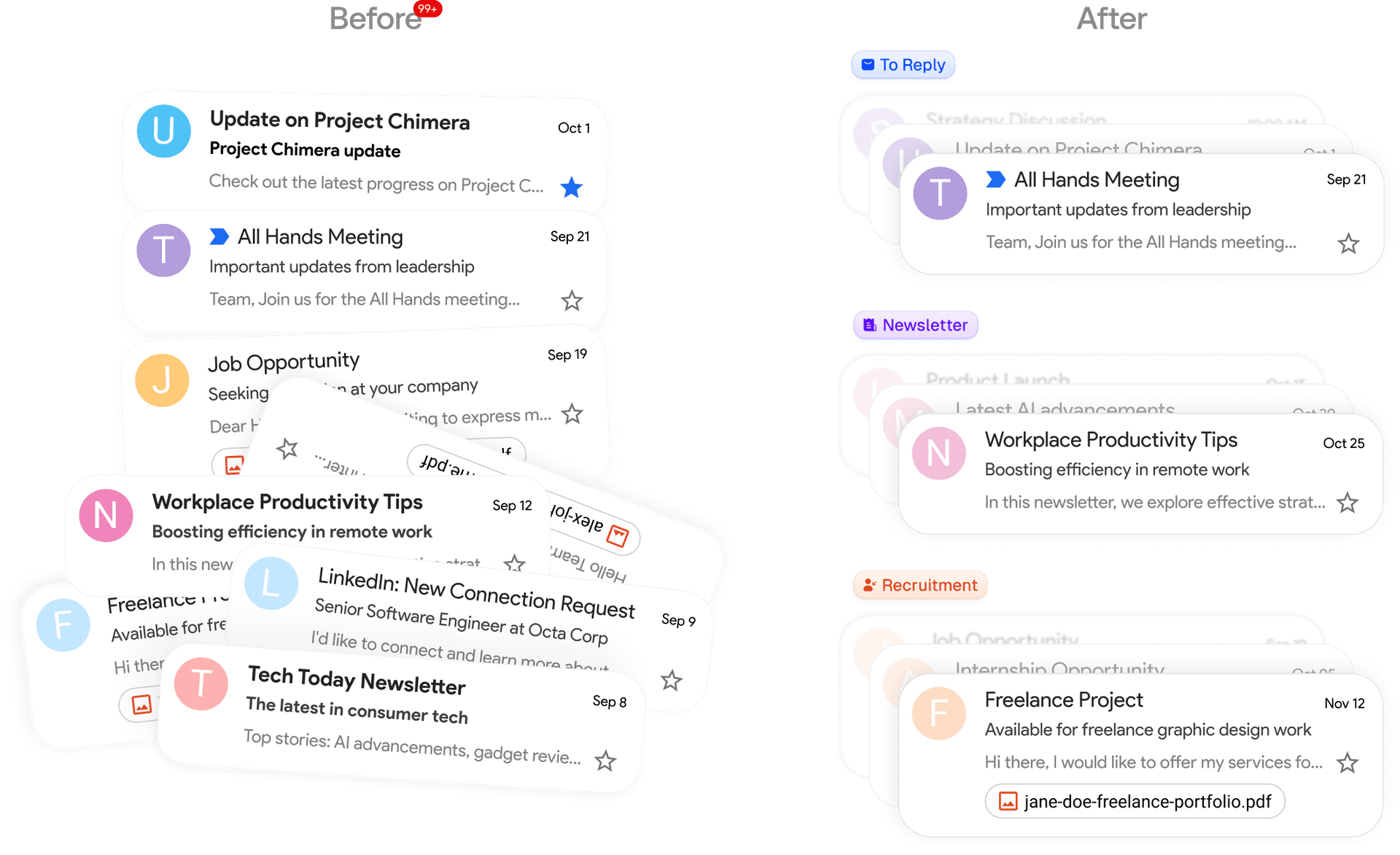
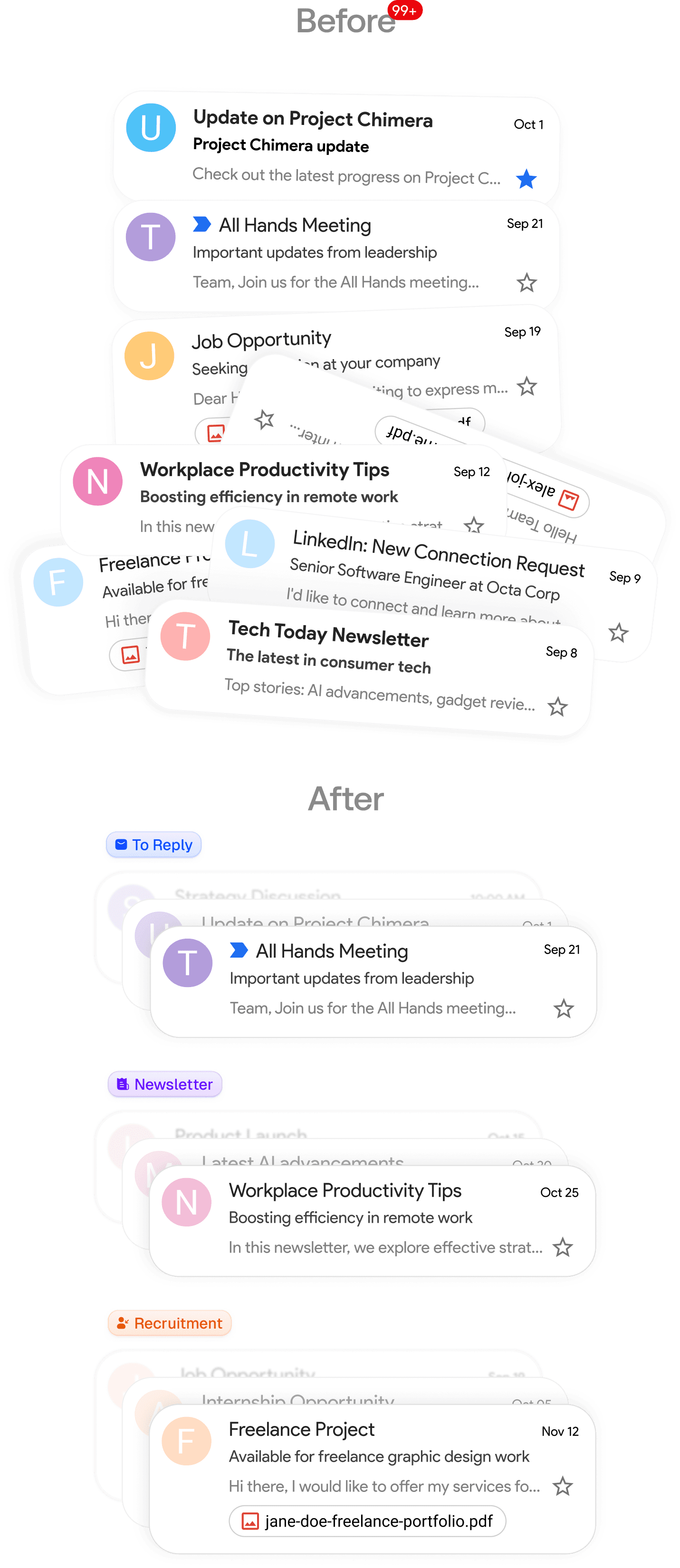
Bulk unsubscribe and smart archiving
Effortlessly manage the newsletters in your inbox: one click unsubscribe, auto archive, or approve. Archive old messages automatically and keep your inbox organized.
AI-powered email management
Let AI handle the heavy lifting. Your AI assistant drafts replies, organizes, and labels emails for you. Set it up once and it works 24/7 to keep your inbox clean and organized.
STEP 1
Connect your Google or Microsoft email
Link your Gmail or Outlook in two clicks to get started.
STEP 2
Organizes your inbox exactly how you want it
Smart categories set up automatically. Use our categories or create your own.
Newsletter
To Reply
Marketing
Calendar
Notification
Cold Email
Team
Urgent
STEP 3
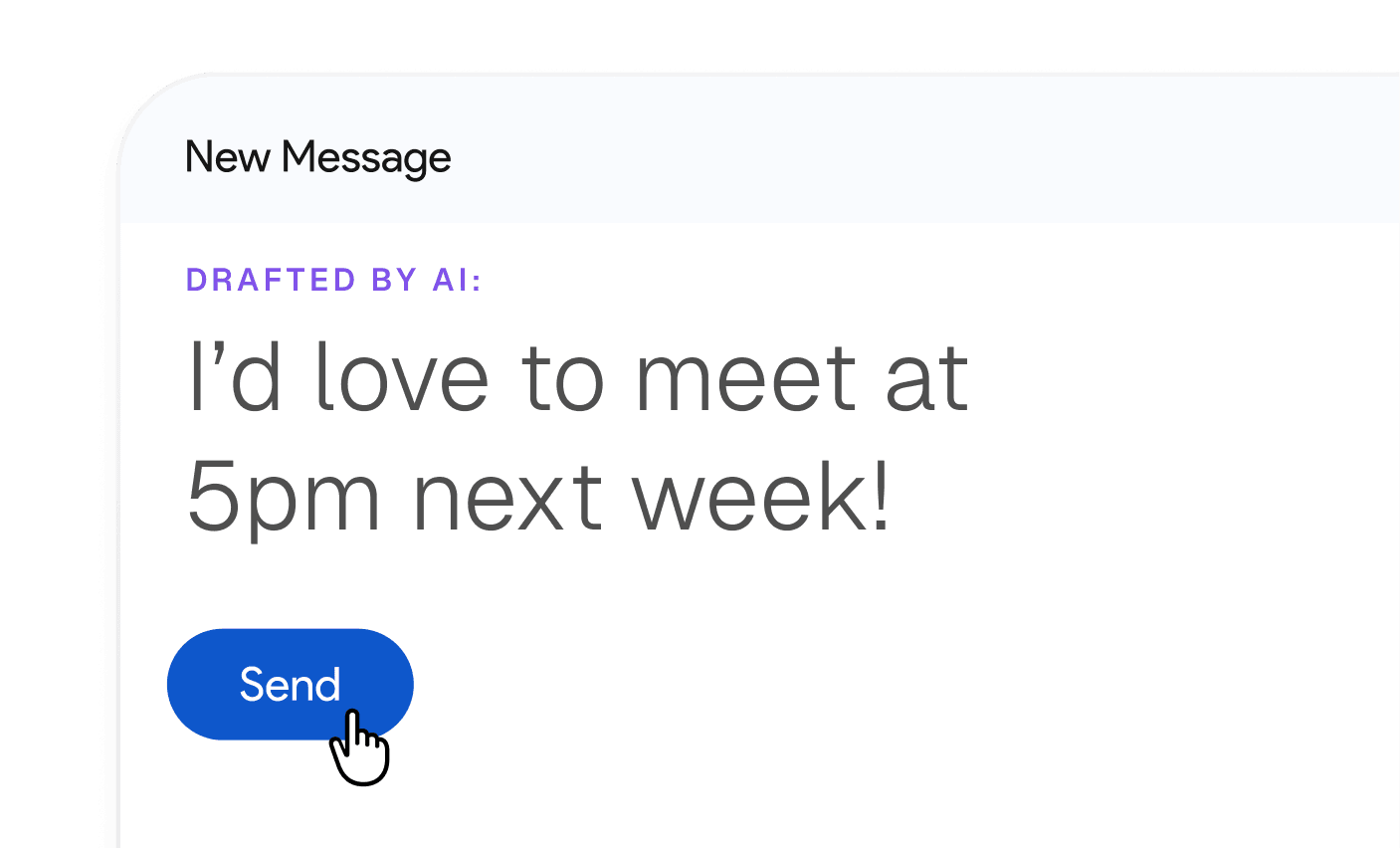
Pre-drafted replies based on your email history and calendar
Every email you get needing a reply will have a pre-written draft.
Frequently asked questions
- Which email providers does Inbox Zero support?
We support Gmail, Google Workspace, and Microsoft Outlook email accounts.
- How can I request a feature?
Email us or post an issue on GitHub. We're happy to hear how we can improve your email experience.
- Will Inbox Zero replace my current email app?
It doesn't have to. Inbox Zero works inside Gmail and Outlook, so you can keep using them as normal while the assistant works in the background. Inbox Zero also has its own email app for the web, desktop, and iPhone if you'd like to use it.
- Is there a mobile app?
Yes. Our native iPhone app lets you triage your inbox and manage your assistant on the go. We also have an Android app, which is due for an update. Learn more on the mobile app page.
- Is the code open-source?
Yes! The AI assistant, the web app, and the desktop email app are open source in our GitHub repo. The iPhone app isn't open source yet, but we plan to open it.
- Do you offer refunds?
Yes, if you don't think we provided you with value send us an email within 14 days of upgrading and we'll refund you.
- Can I try Inbox Zero for free?
Yes. The email app is free to use. The AI assistant plans include a 7-day free trial. A credit card is required to start your trial, but you won't be charged until the trial ends. Cancel anytime during the trial to avoid being charged.
Get back an hour a day.
Start using Inbox Zero.
Less time in your inbox. More time for what actually matters.