NEW: THE INBOX ZERO EMAIL CLIENT
Fly through your inbox.AI does the rest.
A fast, keyboard-first email client for Gmail and Outlook. Every email sorted, every reply drafted in your voice, and your team in the loop. Open source, on web, desktop and iPhone.










An email client that keeps up with you
Every action has a shortcut, so you can clear your inbox without reaching for the mouse.
SHORTCUTS
One key for every action
Move with J and K, archive with E, snooze with H, and undo with Z.
COMMAND K
⌘K finds the rest
Search every command from one box, even while you're writing a reply.
- ArchiveE
- Snooze until tomorrowH
- Add labelL
SPLIT INBOX
Tab to the next split
Your inbox is split by what needs you. Press Tab to jump from one split to the next.
To Reply
Newsletter
Calendar
Every email sorted.
See what needs you first.
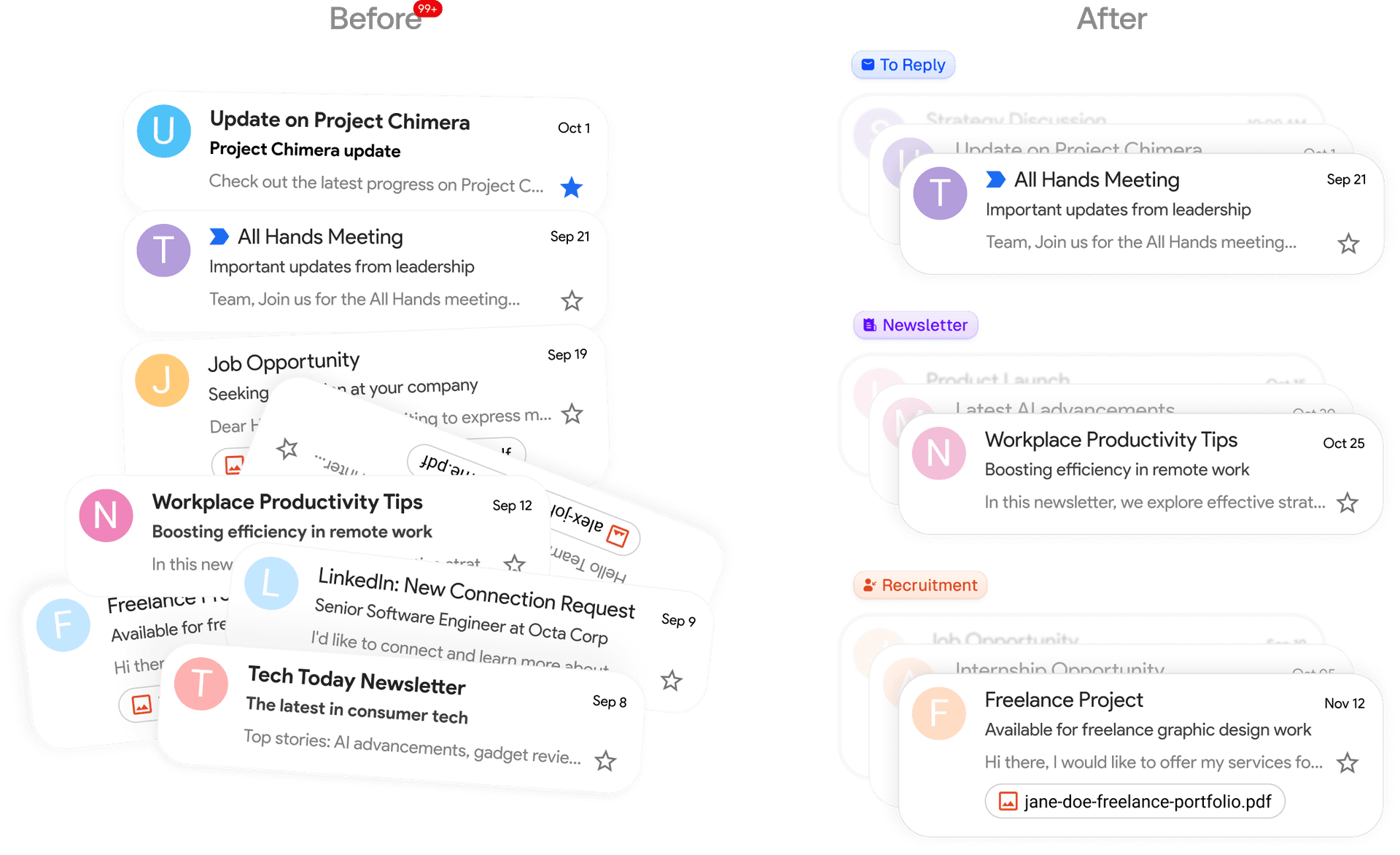
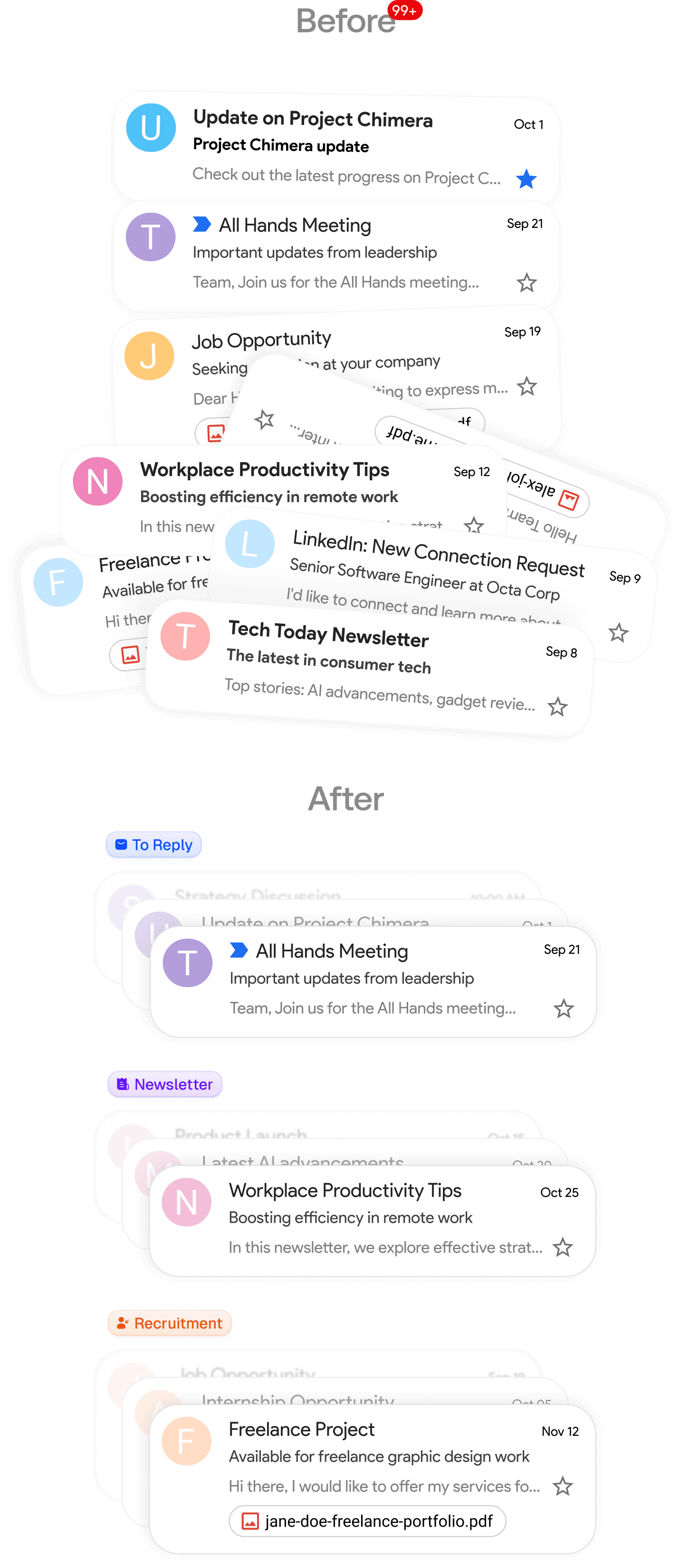
AI labels every email as it arrives and splits your inbox into tabs like To Reply, Newsletter, and Calendar. Want a new split? Describe it in plain English.
Replies drafted in your voice, before you open them
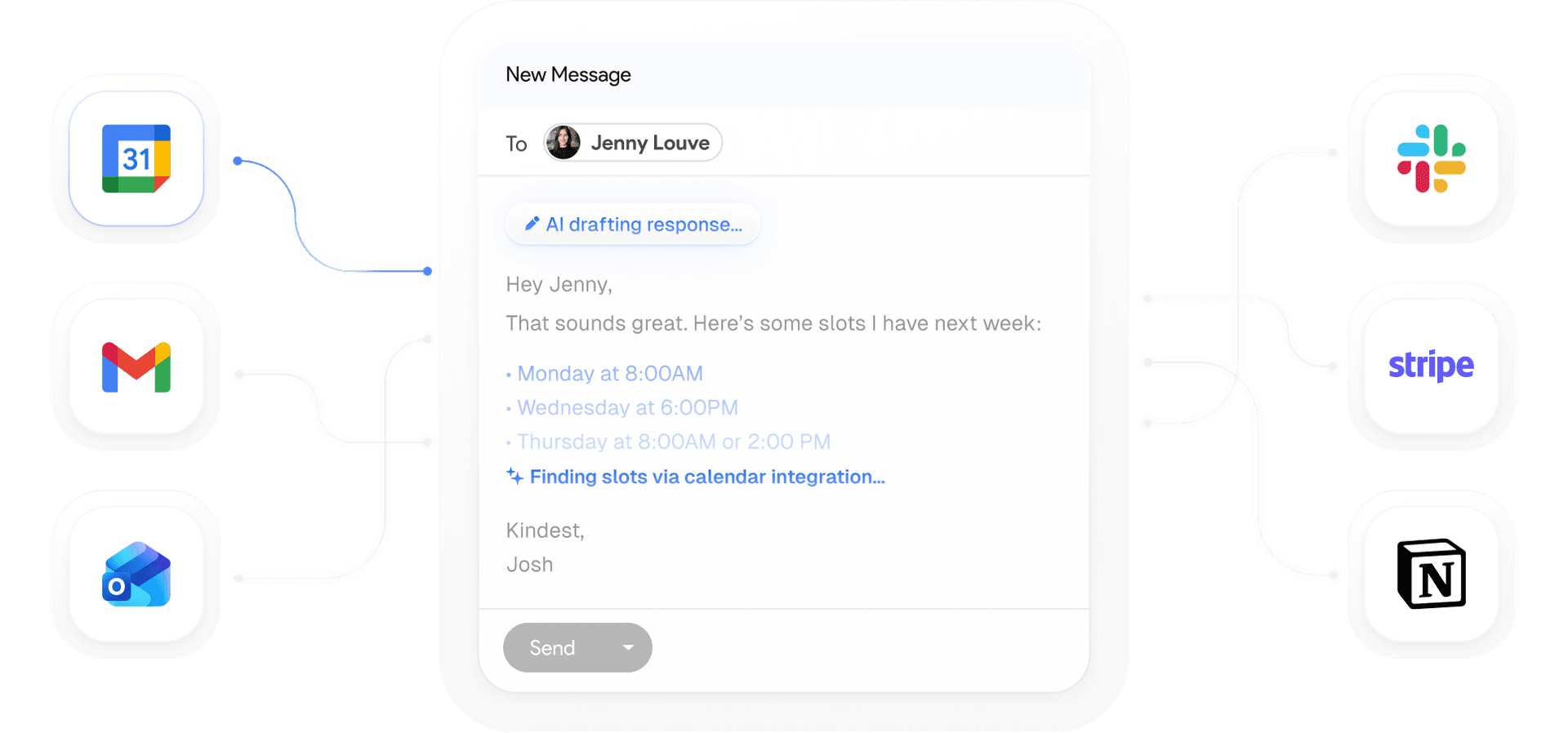
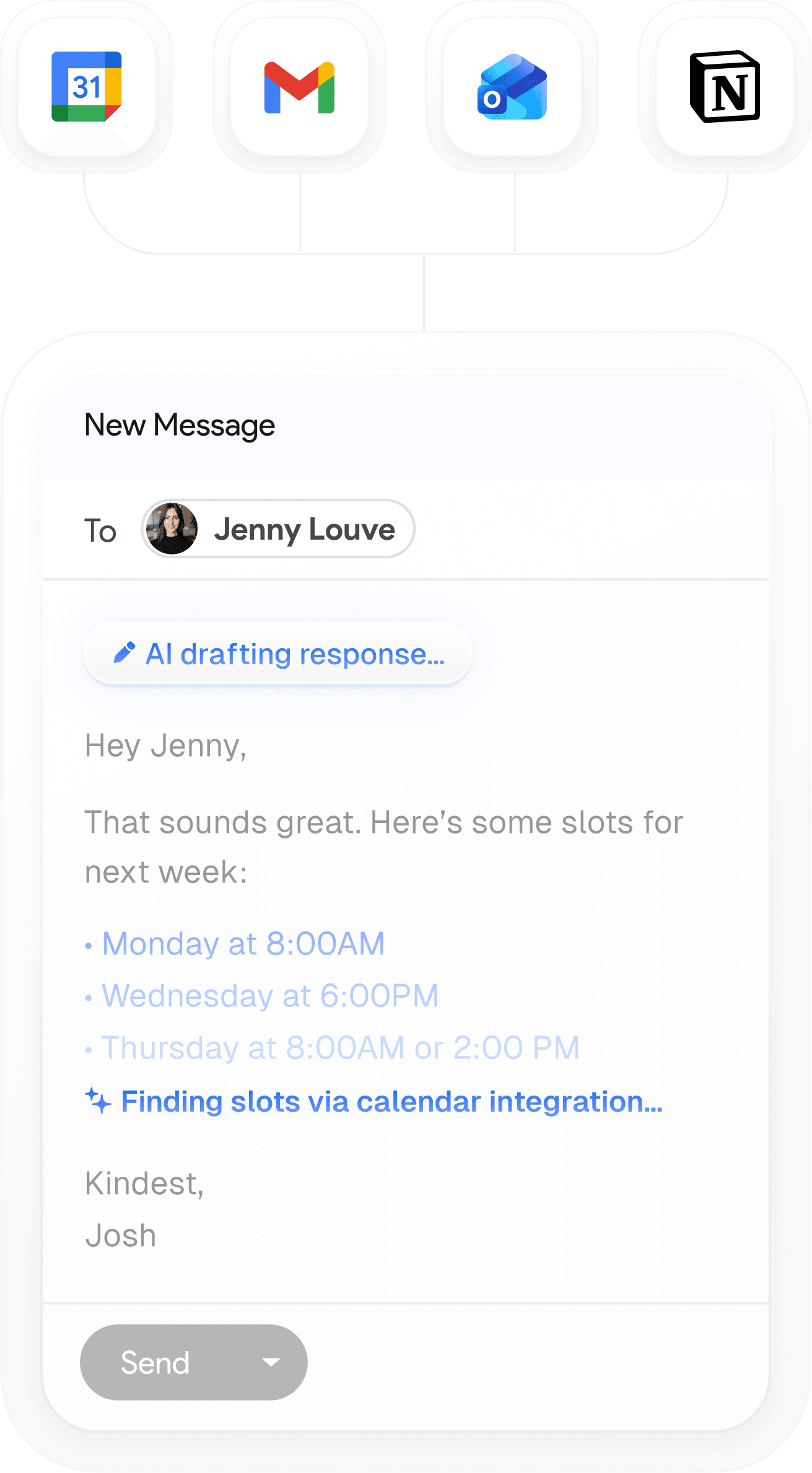
When an email needs a reply, a draft is already waiting, written in your style with context from your past emails and calendar. Edit it, send it, or schedule it.
One email app for every account, and your team
Bring work and personal Gmail and Outlook accounts together, and pull teammates into a thread without forwarding it.
ACCOUNTS
Every account in one inbox
Read Gmail and Outlook side by side, or focus on a single account any time.
COMMENTS
Talk it over with your team
Comment beside any email and @mention a teammate. Comments are never sent as email.
Sarah
@Dan can you take this one?
Dan
On it. Replying today.
OPEN SOURCE
Open source, in the open
The web and desktop email client is open source under the AGPL license.
On the web, desktop, and iPhone
Use the email client in your browser, in the desktop apps for Mac and Windows, or in the native iPhone app. Get a Slack message when an email needs you.

Privacy first and open source
Your data stays private — no AI training, no funny business. We’re fully certified for top-tier security, and you can even self-host Inbox Zero if you want total control.

SOC2 Compliant
Enterprise-grade security. SOC 2 Type 2 certified

#1 Product Hunt
Product of the Day on Product Hunt

12k+ GitHub Stars
Open-source. See exactly what the code does
Frequently asked questions
- Is Inbox Zero an email client?
Yes. Inbox Zero is an email client for the web, Mac, Windows, and iPhone. It connects to your existing Gmail, Google Workspace, or Outlook accounts, so there's nothing to migrate and your email stays where it is.
- Is there an open-source email client with AI?
Yes. The Inbox Zero email client for web and desktop is open source under the AGPL license, with AI labels and drafts built in. You can read the code on GitHub. The iPhone app is a separate app and is not open source.
- What is the best email client for Gmail?
If you want a keyboard-first email client with AI built in, Inbox Zero is made for Gmail and Google Workspace, as well as Outlook. It gives you a split inbox, AI labels, replies drafted in your voice, and all your accounts in one place. Try it free for 7 days.
- Does the AI draft a reply to every email?
No. Inbox Zero drafts replies only for emails that need one, like those in your To Reply tab. Newsletters, receipts, and notifications are labeled and left alone.
- How is Inbox Zero different from Superhuman?
Inbox Zero is an open-source alternative to Superhuman for Gmail and Outlook, with AI drafts, a split inbox, and team comments built in. See the full comparison.
- Can I try it for free?
Yes. Every plan includes a 7-day free trial. A credit card is required to start, but you won't be charged until the trial ends, and you can cancel anytime before then.
Get back an hour a day.
Start using Inbox Zero.
Less time in your inbox. More time for what actually matters.