Relay.app Is Shutting Down: Deadlines, Data Export, and Alternatives
Relay.app is shutting down in 2026. See the deadlines for free and paid users, what to export, and which alternatives fit your email and automation workflows.

Last updated: July 16, 2026
Relay.app is shutting down. In a service announcement sent to customers on July 16, 2026, the company said free accounts will close on August 15, 2026, while paying customers will keep access until September 14, 2026.
If Relay runs part of your business, do not wait until the final week to migrate. Export your workspace now, identify the workflows that cannot fail, and rebuild them in parallel so you have time to compare the results.
Relay.app shutdown dates at a glance
| Account | Access ends | What happens next |
|---|---|---|
| Free | August 15, 2026 at 11:59 p.m. PT | The account and associated data will be permanently deleted. |
| Paid | September 14, 2026 at 11:59 p.m. PT | The account and associated data will be permanently deleted. |
Relay has also turned off new signups and free-to-paid upgrades. Existing workflows should keep running until the deadline for your account type.
Paying customers should not be charged again. Relay said subscriptions are being cancelled immediately, while access will continue for free through September 14. Annual customers should receive a prorated refund for the unused part of their billing period within five business days. Paid workspaces will also receive an additional 25,000 steps and 10,000 AI credits per month during the 60-day transition.
What to export from Relay.app
Relay says customers can export:
- Workflows, Sequences, and MCP servers as JSON and AI prompts
- Workflow run history
- Tables as CSV files
Use the export instructions linked in Relay's shutdown email. Download everything even if you do not think you will need it. A dormant workflow can still contain a useful prompt, field mapping, filter, or edge-case decision that is difficult to reconstruct later.
The export files are only the first part of a safe migration. For every active workflow, also record:
- Its trigger, schedule, owner, and business purpose
- Every connected app and who owns the connection
- The inputs, expected output, and destination
- Branches, filters, approval steps, and failure alerts
- Typical monthly volume and any rate-limit assumptions
- One successful run you can use as a test case
Credentials and OAuth connections generally need to be authorized again in the replacement tool. Treat the move as a new integration setup, not as a file import that will automatically restore a production system.
A practical Relay.app migration plan
1. Export the workspace today
Save the export outside Relay and make a second copy in company-controlled storage. Confirm that the archive contains the workflows, prompts, run history, and tables you expected.
2. Sort workflows by risk
Start with workflows tied to revenue, customer support, finance, access management, or time-sensitive notifications. Then move high-volume internal workflows. Leave experiments and inactive automations until last.
3. Choose replacements by job, not by brand
No single product needs to replace every part of Relay. A focused product may be better for email and meeting preparation, while a general automation platform handles multi-app operations.
| What you used Relay for | Tool to evaluate | Why |
|---|---|---|
| Email triage, reply drafting, inbox cleanup, or pre-meeting briefs | Inbox Zero | Purpose-built for Gmail and Outlook, with email automation and meeting briefs included. |
| Broad no-code automations across many SaaS tools | Zapier | Large integration directory and a familiar trigger-and-action model. |
| Visual, branching workflows with detailed step inspection | Make | Visual-first builder for multi-app and AI automations. |
| Technical workflows or self-hosted automation | n8n | Source-available, self-hostable, and flexible when code is part of the workflow. |
| Custom MCP tools and agent infrastructure | Zapier, n8n, or a code-based implementation | Preserve the exported tool definitions and prompts, then evaluate permissions, authentication, and observability in the new runtime. |
These products do not promise a one-click import of Relay JSON. Expect to rebuild the logic and reconnect each integration.
4. Run old and new workflows in parallel
For each important automation, test at least one normal case, one missing-data case, and one failure case. Compare outputs with a recent successful Relay run. Keep the Relay workflow active until the replacement has produced reliable results.
5. Remove old connections after cutover
Once a replacement is live, disable the Relay workflow and remove any obsolete webhooks, service accounts, API keys, or app permissions. Relay says stored credentials and tokens will be deleted when accounts are deleted, but cleaning up from the connected apps gives you a clear and auditable end state.
When Inbox Zero is a good Relay.app alternative
Inbox Zero is not a general-purpose replacement for every Relay workflow. It is a strong fit when Relay was primarily helping you manage email or prepare for calls.
Relay's meeting briefing workflow pulled together calendar, CRM, email, and past-call context before a meeting. Inbox Zero's Meeting Briefs similarly prepares an AI-generated briefing before external calls using attendee details, recent email history, past meetings, and web research.
With Inbox Zero you can:
- Receive meeting briefs by email or Slack from 1 minute to 48 hours before a call
- Automatically triage and categorize incoming email
- Prepare draft replies in your writing style for review
- Create custom rules to label, archive, forward, or notify based on an email
- Track conversations where you or the other person still needs to reply
- Bulk unsubscribe from newsletters and archive unwanted email
- Use email analytics to understand volume, senders, and response patterns
- Keep using your existing Gmail, Google Workspace, or Outlook inbox
Inbox Zero is also open source and can be self-hosted. That can matter when a shutdown has made portability and control a higher priority.
The limitation is equally important: Inbox Zero is built around email, calendars, and related communication workflows. It does not replace a broad visual automation system for arbitrary processes across hundreds of apps, generic workflow tables, or every custom MCP server. For those jobs, pair it with a general automation platform.
Moving a meeting briefing workflow to Inbox Zero
If Relay was notifying you before calls, this is one of the simplest workflows to move:
- Export the Relay workflow and keep its prompt plus a few representative outputs.
- Connect your Gmail or Outlook account in Inbox Zero.
- Connect Google Calendar or Microsoft Outlook Calendar.
- Enable Meeting Briefs and choose how far in advance they should arrive.
- Select email, Slack, or both as the delivery channel.
- Send a test brief and compare it with the context you relied on in Relay.
- Keep both versions running for a few meetings before disabling the Relay workflow.
This replaces the outcome rather than copying the workflow step for step. In many cases, that is simpler: the email history, calendar context, research, timing, and delivery are already part of the feature.
What happens to Relay.app data after shutdown?
Relay says customer content and product data that is not exported will be permanently deleted when the relevant wind-down window ends. That includes August 15 for free accounts and September 14 for paid accounts, both at 11:59 p.m. PT.
You can also delete your Relay account manually before then. When an account is deleted, Relay says it will delete stored credentials and tokens for connected apps and stop accessing those apps.
For transition support, Relay has directed customers to support@relay.app. Paying customers with complex or business-critical workflows should contact the company early rather than waiting until the September deadline.
Frequently asked questions
Is Relay.app shutting down?
Yes. Relay.app told customers on July 16, 2026 that it is winding down the service. New signups and free-to-paid upgrades have been disabled, while existing workflows can continue during the transition window.
When will Relay.app stop working?
Free accounts stop working after August 15, 2026 at 11:59 p.m. PT. Paying customers keep access until September 14, 2026 at 11:59 p.m. PT.
What should I export from Relay.app?
Export all workflows, Sequences, MCP servers, AI prompts, run history, and Tables. Workflows, Sequences, and MCP servers are available as JSON, while Tables can be saved as CSV. Also document connections, schedules, owners, and expected outputs for each critical workflow.
What is the best Relay.app alternative?
It depends on the workflow. Inbox Zero is a focused alternative for email management and meeting briefs. Zapier and Make are broad no-code automation platforms, while n8n is a strong option for technical teams that want more control or self-hosting.
Can Inbox Zero import Relay.app workflows?
No direct Relay workflow importer is available. Instead, rebuild the email outcome using Inbox Zero's built-in automation rules or Meeting Briefs. Keep the Relay export as a reference for prompts, conditions, and sample outputs.
Will Relay.app delete my data?
Relay says accounts and associated data will be permanently deleted after each account type's deadline. Export what you need before August 15 for free accounts or September 14 for paid accounts.
Do not leave the migration to the deadline
The safest move is to export first and optimize later. Preserve the logic, prompts, and evidence of successful runs, then rebuild the most important workflows while Relay is still available.
If the Relay workflows you will miss most are inbox triage, draft replies, follow-up tracking, or meeting briefs, try Inbox Zero and test those workflows alongside Relay before your access ends.

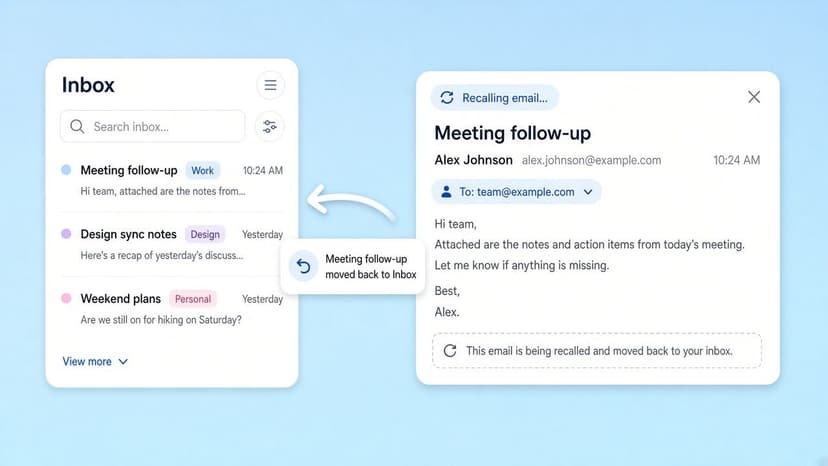
How to Recall an Email in Outlook (2026)
How to recall an email in Outlook step by step for new Outlook, classic Outlook, web, Mac, and mobile, plus when recall works and what to do when it doesn't.
2026-09-30T18:25:57.000Z
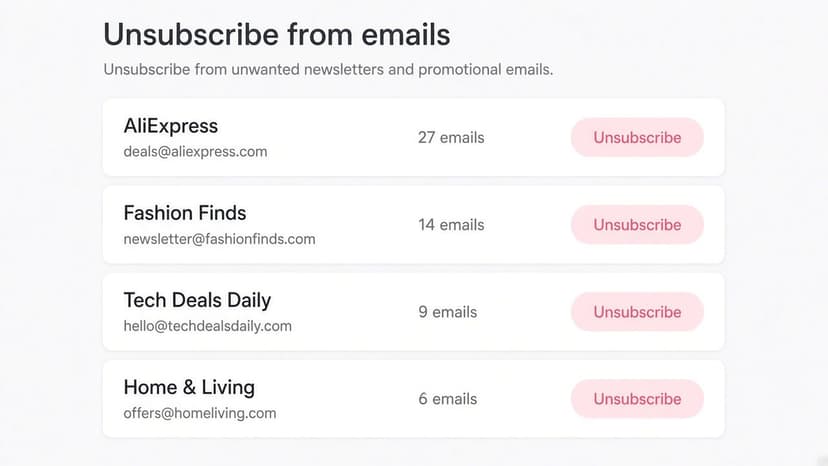
How to Stop AliExpress Emails (2026)
Stop AliExpress promotional emails: the unsubscribe link, notification settings in your AliExpress account, and what to do when the deals keep coming.
2026-09-30T18:25:57.000Z
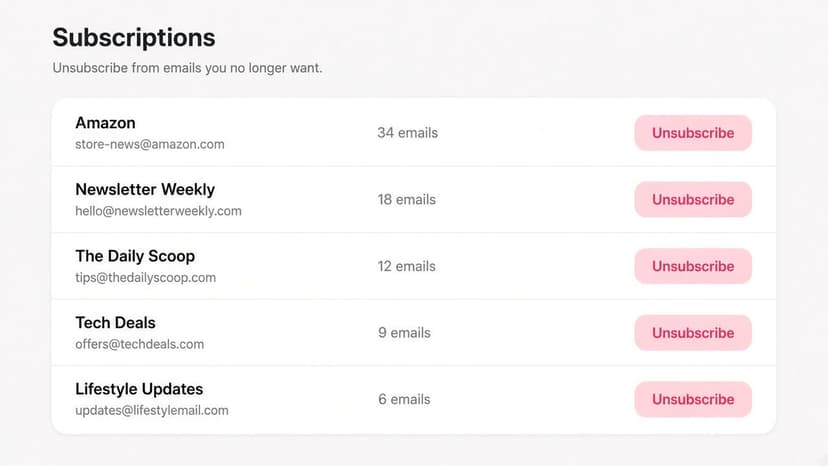
How to Stop Amazon Emails (2026)
Stop Amazon marketing emails with the Communication Preferences Center, manage Amazon email subscriptions, and handle order emails you can't switch off.
2026-09-30T18:25:57.000Z
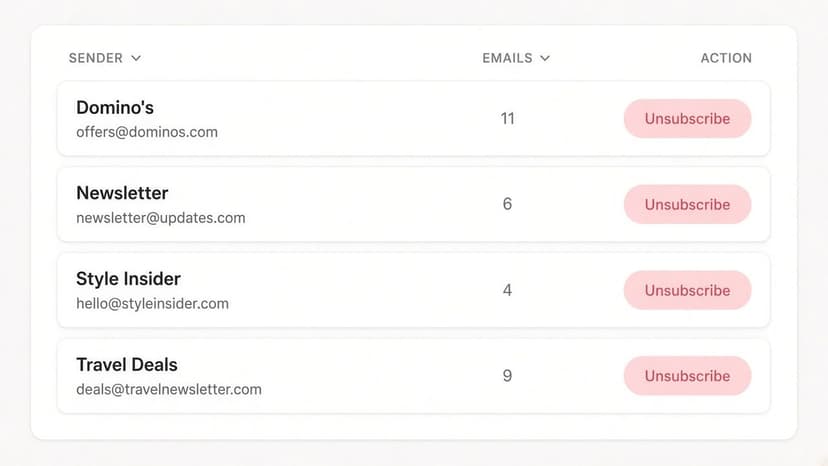
How to Stop Domino's Emails (2026)
Stop Domino's emails with Domino's official opt-out page, stop Domino's text offers, and know which rewards emails keep coming.
2026-09-30T18:25:57.000Z