7 Best Fyxer Alternatives in 2026
The best Fyxer.ai alternatives in 2026, compared. AI email assistants, team inboxes, and inbox cleaners, with honest notes on price, features, and who each one is for.

Fyxer and Missive pricing checked on October 11, 2026.
Fyxer.ai is a capable AI email assistant. It drafts replies in your voice and sorts your inbox into a fixed set of categories. Its Free plan does not include automatic drafts or inbox sorting; Pro starts at $49 per user per month ($37 billed annually). It locks you into its own categories, and skips features a lot of people want, like bulk unsubscribe and detailed analytics. So it's worth seeing what else is out there.
This is a roundup of the best Fyxer alternatives in 2026. Some are direct AI assistants like Fyxer, some are team inboxes, and some are inbox cleaners you run alongside your normal email. We've noted what each one is good at and who it suits, so you can pick by your actual workflow rather than a feature checklist.
If you only want a head to head, we wrote a full Inbox Zero vs Fyxer comparison with a feature table and a walkthrough video. For the wider category beyond Fyxer, see our guide to the best AI email assistants, or how the AI email assistant works in Inbox Zero.
Quick list
- Inbox Zero - Best overall, open source, $20/mo
- Shortwave - AI email client for Gmail power users
- Superhuman - Fast, premium client with AI built in
- Gmelius - Gmail collaboration and automation for teams
- Missive - Shared inboxes for team email
- SaneBox - Smart filtering on top of your existing email
- Clean Email - Bulk inbox cleaning across providers
1. Inbox Zero - Best Overall
Price: $20/month
Inbox Zero does everything Fyxer does, drafts replies in your voice and categorizes your inbox, and then keeps going. You can create your own categories and custom actions (forward every receipt to your accountant, for example), bulk unsubscribe from senders you never read, bulk archive newsletters in one pass, and see detailed analytics on who emails you and how long you take to reply. It also sends pre-meeting briefs, files attachments into Drive or OneDrive folders, and pushes emails to Slack or Telegram so you can reply without opening your inbox.
The part that sets it apart is that it's open source. You can read exactly how your email is processed, and larger teams can self-host it. It's SOC 2 compliant, supports both Gmail and Outlook, and costs $20 per month, compared with $49 for Fyxer Pro on monthly billing.
Best for: Anyone who wants Fyxer's AI drafting plus real automation, analytics, and inbox cleanup, at a lower price. See the full Inbox Zero vs Fyxer breakdown.
Keep in mind: Inbox Zero's meeting notetaker is included on the Plus plan, rather than its entry plan. Compare the plans if meeting notes are a priority.
2. Shortwave - AI Email Client for Gmail
Price: Free tier, with paid plans
Shortwave is a Gmail client built by former members of Google's Inbox team. It leans hard into AI, with thread summaries, an assistant that can search and draft, smart bundling of similar emails, and scheduling help. It feels modern and fast.
Best for: Gmail power users who want an AI-first inbox and are happy to switch to a new email client.
Keep in mind: It's Gmail-only, and it replaces your email app rather than working in the background. There's no bulk unsubscribe or self-hosting.
3. Superhuman - Fast, Premium Client
Price: Premium, around $30/user/month
Superhuman built its name on speed and keyboard shortcuts, and it has since added AI for drafting, summaries, and triage. If raw speed through a heavy inbox is your priority, few tools feel as quick.
Best for: Individuals who live in email and want the fastest possible experience, with AI on top.
Keep in mind: It's one of the pricier options, it's closed source, and it's a full client rather than an assistant layered on your inbox. No bulk unsubscribe.
4. Gmelius - Gmail Collaboration and Automation
Price: Paid plans for teams
Gmelius turns Gmail into a shared workspace. It adds shared inboxes, kanban boards, email sequences, and automation rules, aimed at support and sales teams that run on Gmail.
Best for: Teams that want to manage shared addresses and workflows inside Gmail.
Keep in mind: It's built around team collaboration more than a personal AI assistant. If you mainly want AI drafting and inbox triage for yourself, it's a different kind of tool.
5. Missive - Shared Inboxes for Teams
Price: Missive Starter is $14 per user per month billed annually ($18 monthly), with a 30-day free trial and no free plan.
Missive is a team email client with shared inboxes, internal chat, assignments, and some AI drafting. It's designed for groups handling the same email addresses together, like support@ or sales@.
Best for: Teams that need to collaborate on shared mailboxes in one place.
Keep in mind: Like Gmelius, the focus is team collaboration. For a solo inbox, the AI assistant tools on this list are a closer match to Fyxer.
6. SaneBox - Smart Filtering on Top of Your Email
Price: Affordable, several tiers
SaneBox doesn't replace your email app. It sits on top of any account and uses filtering to move less important mail into folders like SaneLater, so your main inbox stays focused. There's no new interface to learn.
Best for: People who like their current email client and just want smarter sorting in the background.
Keep in mind: It filters and organizes, but it doesn't draft replies or run an AI assistant the way Fyxer or Inbox Zero do.
7. Clean Email - Bulk Inbox Cleaning
Price: Around $10/month
Clean Email focuses on cleaning. It groups your mail so you can bulk archive, delete, and unsubscribe across Gmail, Outlook, iCloud, and more. It's a good way to dig out of a backlog.
Best for: Anyone facing a huge, messy inbox who wants to clear it fast across providers.
Keep in mind: It's a cleaner, not an AI assistant. It won't draft replies or categorize new mail intelligently as it arrives.
How to choose
Match the tool to the job:
- If you want what Fyxer does and more, AI drafting and categorization plus automation, analytics, and cleanup, go with Inbox Zero. It's the closest like-for-like upgrade and costs less.
- If you want an AI-first email client and you're on Gmail, look at Shortwave.
- If speed matters above all and budget isn't a concern, Superhuman.
- If you're equipping a team on shared inboxes, Gmelius or Missive.
- If you just want smarter filtering or a faster cleanup, SaneBox or Clean Email.
Fyxer's built-in meeting notetaker is a reason to consider it if you want email and meetings in one product. Inbox Zero also offers a meeting notetaker on its Plus plan, so compare the full plan cost and workflow rather than treating meeting notes as unique to Fyxer.
Frequently asked questions
What is the best Fyxer alternative?
For most people it's Inbox Zero. It matches Fyxer's AI drafting and categorization, adds custom rules, bulk unsubscribe, and analytics, is open source, and costs $20 per month versus Fyxer Pro's $49 on monthly billing. See the full Inbox Zero vs Fyxer comparison.
Is there a free Fyxer alternative?
Shortwave has a limited free tier, while Missive has a 30-day trial rather than a free plan. Clean Email and SaneBox also offer trials. Inbox Zero is open source, so you can self-host it, and it offers a free trial of the hosted version.
What is the cheapest Fyxer alternative?
Among the AI assistant tools, Inbox Zero is the most affordable at $20 per month, compared to Fyxer Pro at $49 on monthly billing and Superhuman at roughly $30. SaneBox and Clean Email are cheaper still but do filtering and cleaning rather than AI drafting.
Which Fyxer alternative is open source?
Inbox Zero is the open source option here. You can read exactly how your email is processed and self-host it for full control, which none of the others offer.
Do these work with Outlook?
Inbox Zero and SaneBox and Clean Email work with Outlook. Shortwave is Gmail-only. Superhuman, Gmelius, and Missive vary by plan and provider, so check before you commit.
Conclusion
Fyxer is a solid AI email assistant, but it's not the only good option, and it's far from the cheapest. Inbox Zero is the strongest all-around alternative: the same AI drafting and sorting, plus the automation, analytics, and cleanup Fyxer leaves out, all open source and at a lower price.
If you want to see exactly how the two stack up, read our Inbox Zero vs Fyxer comparison, then try Inbox Zero for free.

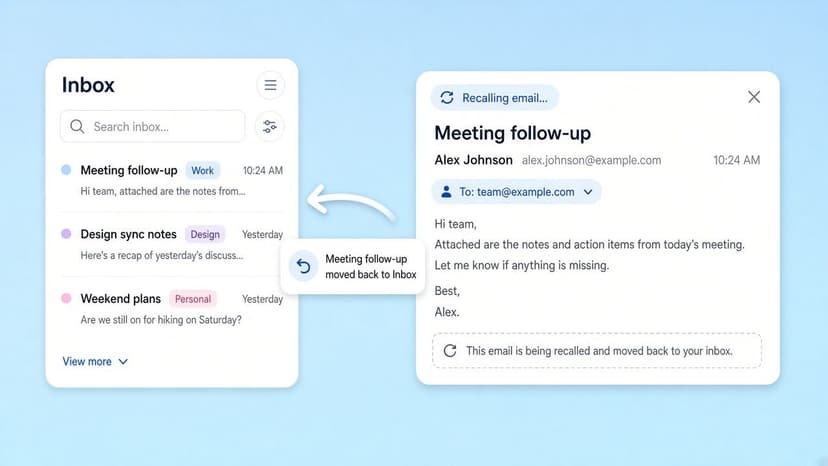
How to Recall an Email in Outlook (2026)
How to recall an email in Outlook step by step for new Outlook, classic Outlook, web, Mac, and mobile, plus when recall works and what to do when it doesn't.
2026-09-30T18:25:57.000Z
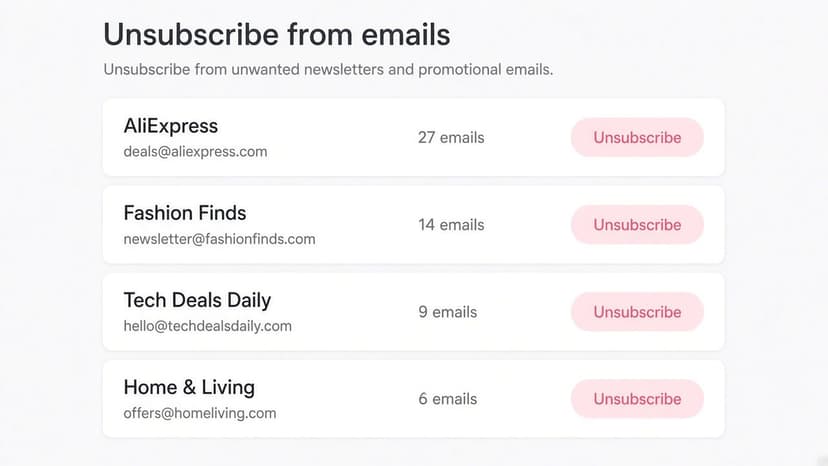
How to Stop AliExpress Emails (2026)
Stop AliExpress promotional emails: the unsubscribe link, notification settings in your AliExpress account, and what to do when the deals keep coming.
2026-09-30T18:25:57.000Z
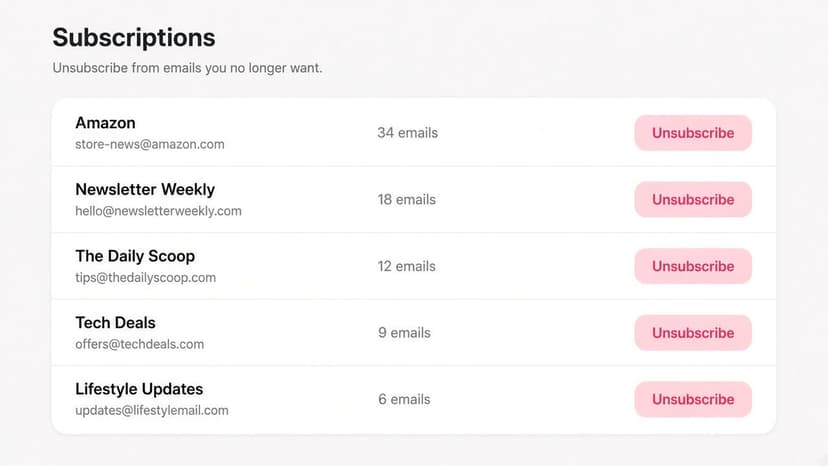
How to Stop Amazon Emails (2026)
Stop Amazon marketing emails with the Communication Preferences Center, manage Amazon email subscriptions, and handle order emails you can't switch off.
2026-09-30T18:25:57.000Z
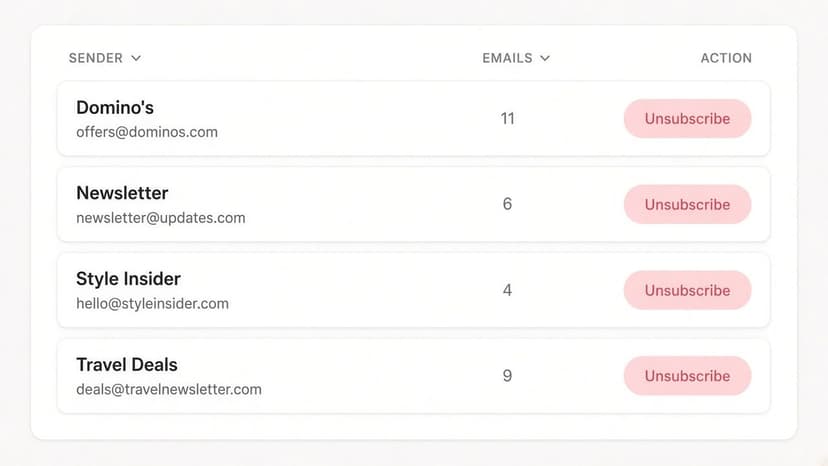
How to Stop Domino's Emails (2026)
Stop Domino's emails with Domino's official opt-out page, stop Domino's text offers, and know which rewards emails keep coming.
2026-09-30T18:25:57.000Z