How to Stop Groupon Emails (2026)
Stop Groupon emails: unsubscribe links, Groupon's email subscription settings, and how to cut deal emails down to the cities and categories you want.

Groupon sends daily deal emails, often for more than one city or category, plus reminders about Groupons you bought. You can stop them all or keep only the deals you care about.
Unsubscribe from Groupon emails
The quickest route is the unsubscribe link at the bottom of any Groupon deal email. It takes you to Groupon's subscription settings, where you can unsubscribe from that list or all of them.
Manage Groupon email subscriptions in your account
Groupon's help center has an article on managing email subscriptions and location preferences. In your account:
- Sign in to Groupon and open your account menu.
- Go to your email subscriptions (email preferences).
- Untick the cities and deal categories you don't want, or unsubscribe from all.
- Save your changes.
Changes may take a day or two to take effect.
Keep useful reminders
Emails about Groupons you've bought (confirmations and expiry reminders) are tied to your purchases. Keep them until you've used your vouchers.
Block or filter Groupon emails in Gmail or Outlook
If some Groupon emails still get through, filter them in your email app so they skip your inbox:
- Gmail: open a Groupon email, click the three dots (More) at the top, and choose Filter messages like these. Click Create filter, then pick Skip the Inbox (Archive it) or Delete it.
- Outlook: right-click a Groupon email and choose Rules → Create rule to move messages from that sender to a folder. Or choose Block sender if you never want to see them. Blocking sends future messages to Junk.
A filter is better than blocking if some of the emails (receipts, security alerts) are ones you may need later.
Stop Groupon emails and every other newsletter with Inbox Zero
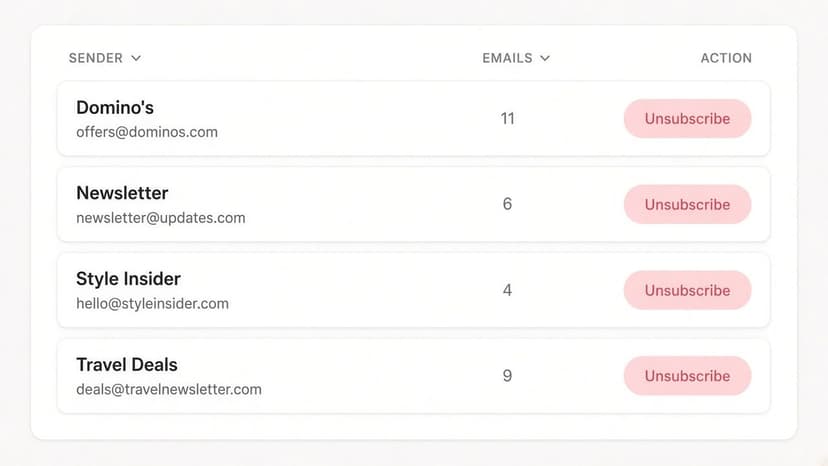
Groupon is rarely the only sender filling your inbox. Inbox Zero's Bulk Unsubscribe finds every newsletter and marketing sender in your Gmail or Outlook account and lets you deal with them together:
- See every sender in one list. Newsletters and marketing emails are grouped by sender, with how many each one sends and how often you actually open them.
- Unsubscribe in one click. Inbox Zero uses each sender's own unsubscribe mechanism, and you can select several senders at once. Select suggested picks out high-volume senders you rarely read.
- Auto Archive what won't stop. For senders that keep emailing (like deal emails for cities you no longer live in), Auto Archive files future emails out of your inbox automatically, optionally with a label, so they're there if you need them.
- Clean up the backlog. Archive or delete old emails from a sender in bulk instead of scrolling through them.
For account notifications like Groupon's, the settings above are still the most complete fix, because they stop the emails at the source. Inbox Zero covers everything else, and it's open source.
FAQ
How do I stop Groupon emails?
Click unsubscribe at the bottom of any Groupon email, or sign in and change your email subscriptions so only the cities and categories you want are ticked.
Why do I get Groupon emails for multiple cities?
Groupon subscriptions are set by location. Remove the extra cities in your email subscription settings.
Will I still get emails about Groupons I bought?
Yes. Purchase confirmations and voucher reminders are tied to your orders.
Sources
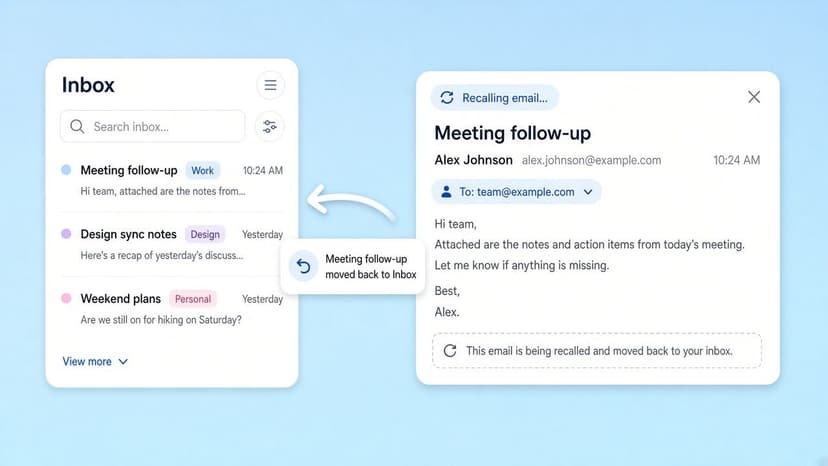
How to Recall an Email in Outlook (2026)
How to recall an email in Outlook step by step for new Outlook, classic Outlook, web, Mac, and mobile, plus when recall works and what to do when it doesn't.
2026-09-30T18:25:57.000Z
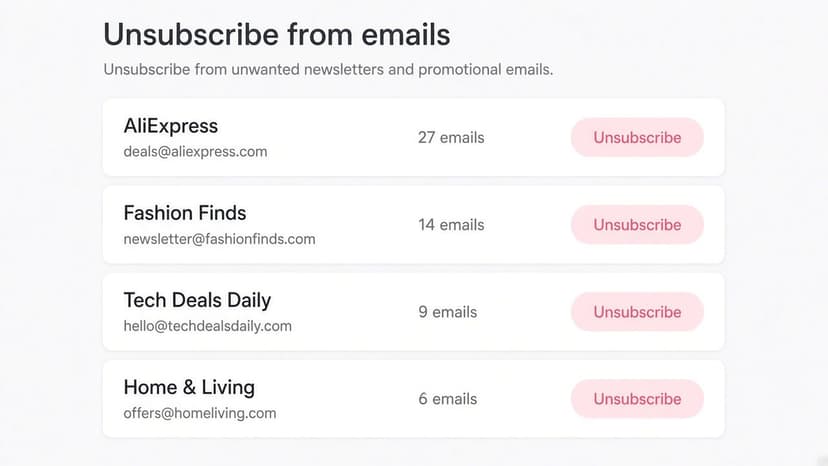
How to Stop AliExpress Emails (2026)
Stop AliExpress promotional emails: the unsubscribe link, notification settings in your AliExpress account, and what to do when the deals keep coming.
2026-09-30T18:25:57.000Z
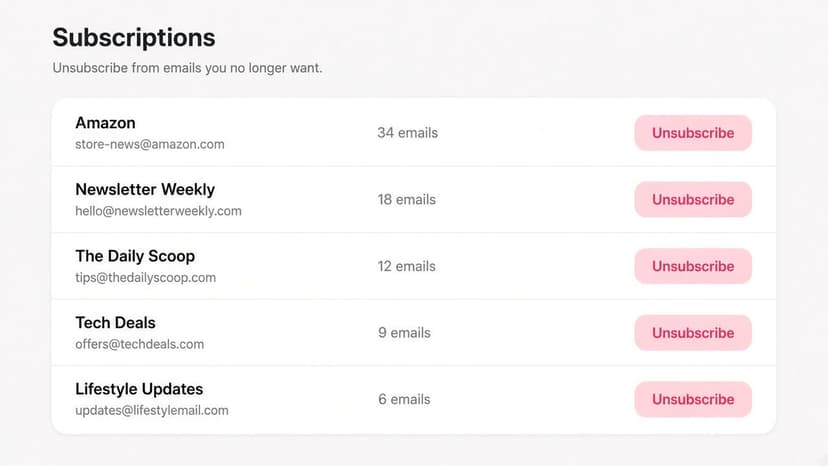
How to Stop Amazon Emails (2026)
Stop Amazon marketing emails with the Communication Preferences Center, manage Amazon email subscriptions, and handle order emails you can't switch off.
2026-09-30T18:25:57.000Z
How to Stop Domino's Emails (2026)
Stop Domino's emails with Domino's official opt-out page, stop Domino's text offers, and know which rewards emails keep coming.
2026-09-30T18:25:57.000Z