How to Stop Temu Emails (2026)
Stop Temu marketing emails: turn off email notifications in your Temu account, use the unsubscribe link, and deal with emails that keep coming.

Temu is known for heavy promotional email: flash sales, coupons, "your reward is expiring," and more. Order and shipping updates are separate and keep coming while you have active orders.
Turn off Temu email notifications in your account
- Open the Temu app or sign in at temu.com.
- Go to your Account (You in some versions of the app), then Settings.
- Open Notifications.
- Turn off the promotional email options.
Temu doesn't publish a step-by-step help article for this, and menu names change between versions, but notification settings live under your account settings.
Use the unsubscribe link
Each Temu marketing email has an unsubscribe link at the bottom. Temu sends from several campaign streams, so one click often stops only that stream. Unsubscribe from each type that keeps showing up.
If Temu emails keep coming
- Give changes a day or two to take effect.
- Make sure you changed settings on every Temu account tied to your email address.
- Filter whatever is left: a rule that archives or deletes Temu's promotional mail keeps it out of your inbox while order emails still arrive.
Block or filter Temu emails in Gmail or Outlook
If some Temu emails still get through, filter them in your email app so they skip your inbox:
- Gmail: open a Temu email, click the three dots (More) at the top, and choose Filter messages like these. Click Create filter, then pick Skip the Inbox (Archive it) or Delete it.
- Outlook: right-click a Temu email and choose Rules → Create rule to move messages from that sender to a folder. Or choose Block sender if you never want to see them. Blocking sends future messages to Junk.
A filter is better than blocking if some of the emails (receipts, security alerts) are ones you may need later.
Stop Temu emails and every other newsletter with Inbox Zero
Once Temu is sorted, the next question is usually "what else is in here?" Inbox Zero's Bulk Unsubscribe answers that for Gmail and Outlook in a few minutes:
- See every sender in one list. Newsletters and marketing emails are grouped by sender, with how many each one sends and how often you actually open them.
- Unsubscribe in one click. Inbox Zero uses each sender's own unsubscribe mechanism, and you can select several senders at once. Select suggested picks out high-volume senders you rarely read.
- Auto Archive what won't stop. For senders that keep emailing (like new promo streams that start after you unsubscribe), Auto Archive files future emails out of your inbox automatically, optionally with a label, so they're there if you need them.
- Clean up the backlog. Archive or delete old emails from a sender in bulk instead of scrolling through them.
For account notifications like Temu's, the settings above are still the most complete fix, because they stop the emails at the source. Inbox Zero covers everything else, and it's open source.
FAQ
How do I stop Temu emails?
Go to your Temu account → Settings → Notifications and turn off promotional emails, then use the unsubscribe link at the bottom of any Temu marketing email that still arrives.
Why does Temu keep emailing me after I unsubscribed?
Temu sends several separate promotional streams, and the unsubscribe link usually stops only one. Turn off promotions in your account's notification settings and unsubscribe from each remaining type.
Will I still get Temu order emails?
Yes. Order confirmations and shipping updates are transactional and continue while you have active orders.

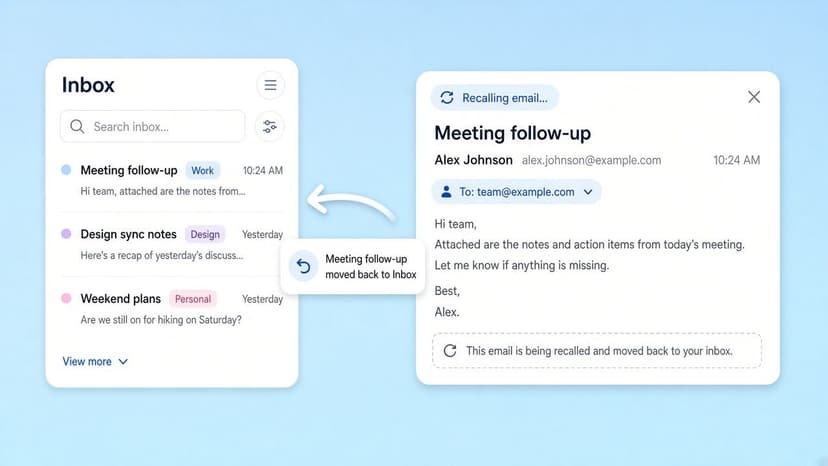
How to Recall an Email in Outlook (2026)
How to recall an email in Outlook step by step for new Outlook, classic Outlook, web, Mac, and mobile, plus when recall works and what to do when it doesn't.
2026-09-30T18:25:57.000Z
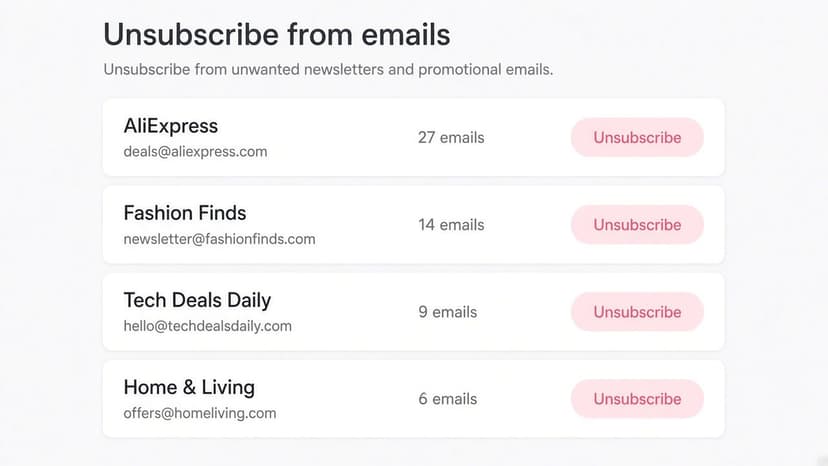
How to Stop AliExpress Emails (2026)
Stop AliExpress promotional emails: the unsubscribe link, notification settings in your AliExpress account, and what to do when the deals keep coming.
2026-09-30T18:25:57.000Z
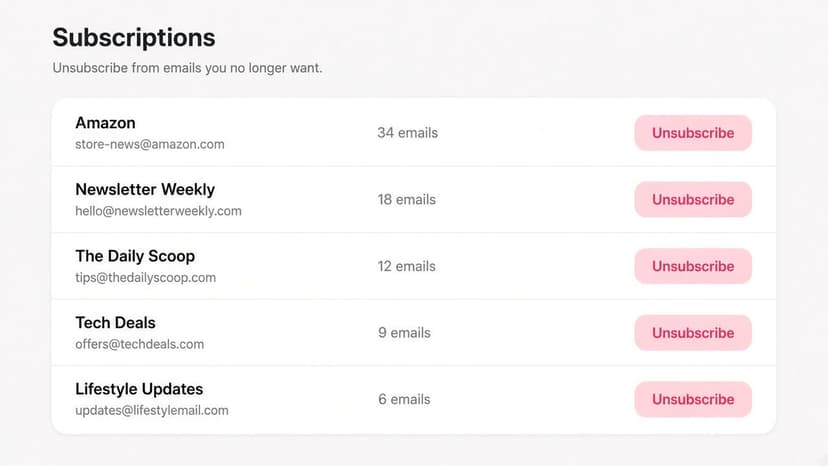
How to Stop Amazon Emails (2026)
Stop Amazon marketing emails with the Communication Preferences Center, manage Amazon email subscriptions, and handle order emails you can't switch off.
2026-09-30T18:25:57.000Z
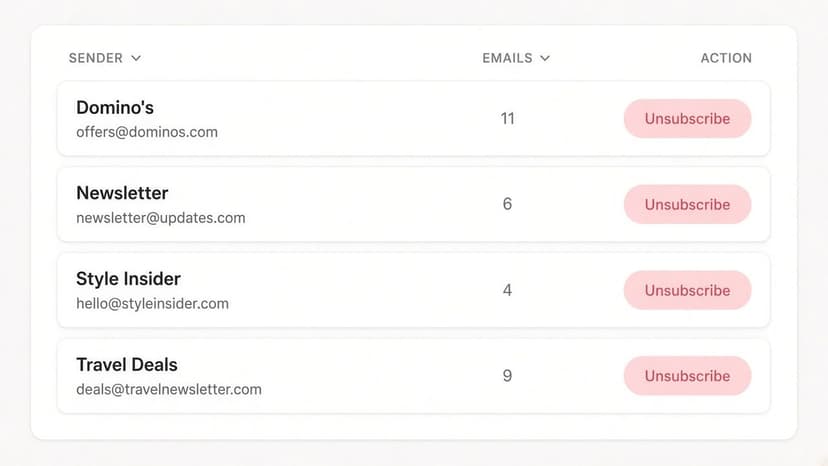
How to Stop Domino's Emails (2026)
Stop Domino's emails with Domino's official opt-out page, stop Domino's text offers, and know which rewards emails keep coming.
2026-09-30T18:25:57.000Z