How to Stop Zillow Emails (2026)
Stop Zillow emails with Zillow's official steps: turn off all notifications, change saved search email frequency, and stop saved home updates.

Zillow emails usually come from saved searches (new listings, price cuts), saved homes (status changes), and general Zillow updates. Zillow has an off switch for all of them, plus finer controls if you're still house hunting.
How to stop all Zillow emails
Zillow's help center says you must do this on a desktop browser, not in the app:
- Log in to your Zillow profile.
- Click your Profile icon → Account Settings → Subscriptions.
- Set the toggle at the top of the page to off, then select Turn off all notifications in the box that appears.
Stop saved search emails (but keep searching)
You get an email for every saved search, based on its email setting.
- Click your Profile icon → Saved Searches.
- Select Edit on a search to change how often it emails you, or Delete searches you no longer need.
Stop saved home updates
- Click your Profile icon → Saved Homes.
- Click the heart icon on a home to remove it. That stops updates for that home.
Unsubscribe from one email type
Every Zillow email has an unsubscribe link at the bottom. Zillow says it unsubscribes you from that type of email only, and the confirmation page has links to manage your other subscriptions.
Zillow notes it can take up to 24 hours to be completely unsubscribed.
Block or filter Zillow emails in Gmail or Outlook
If some Zillow emails still get through, filter them in your email app so they skip your inbox:
- Gmail: open a Zillow email, click the three dots (More) at the top, and choose Filter messages like these. Click Create filter, then pick Skip the Inbox (Archive it) or Delete it.
- Outlook: right-click a Zillow email and choose Rules → Create rule to move messages from that sender to a folder. Or choose Block sender if you never want to see them. Blocking sends future messages to Junk.
A filter is better than blocking if some of the emails (receipts, security alerts) are ones you may need later.
Stop Zillow emails and every other newsletter with Inbox Zero
Fixing Zillow's settings takes care of one sender. If your inbox has dozens of senders like it, going through each settings page gets old fast. Inbox Zero's Bulk Unsubscribe puts all of them on one screen for Gmail and Outlook:
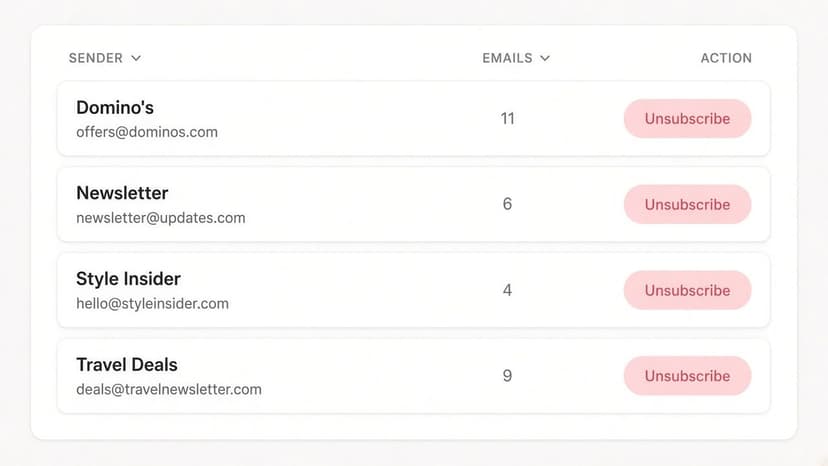
- See every sender in one list. Newsletters and marketing emails are grouped by sender, with how many each one sends and how often you actually open them.
- Unsubscribe in one click. Inbox Zero uses each sender's own unsubscribe mechanism, and you can select several senders at once. Select suggested picks out high-volume senders you rarely read.
- Auto Archive what won't stop. For senders that keep emailing (like saved-search alerts from a search you forgot about), Auto Archive files future emails out of your inbox automatically, optionally with a label, so they're there if you need them.
- Clean up the backlog. Archive or delete old emails from a sender in bulk instead of scrolling through them.
For account notifications like Zillow's, the settings above are still the most complete fix, because they stop the emails at the source. Inbox Zero covers everything else, and it's open source.
FAQ
How do I stop all Zillow emails?
On a desktop browser, go to Profile → Account Settings → Subscriptions, switch the top toggle off, and choose Turn off all notifications. Zillow says this can't be done from the app.
How do I stop Zillow saved search emails?
Go to Profile → Saved Searches and either edit each search's email frequency or delete the searches you don't need.
How long does it take Zillow to stop emailing me?
Zillow says it can take up to 24 hours for unsubscribes to take full effect.
Sources
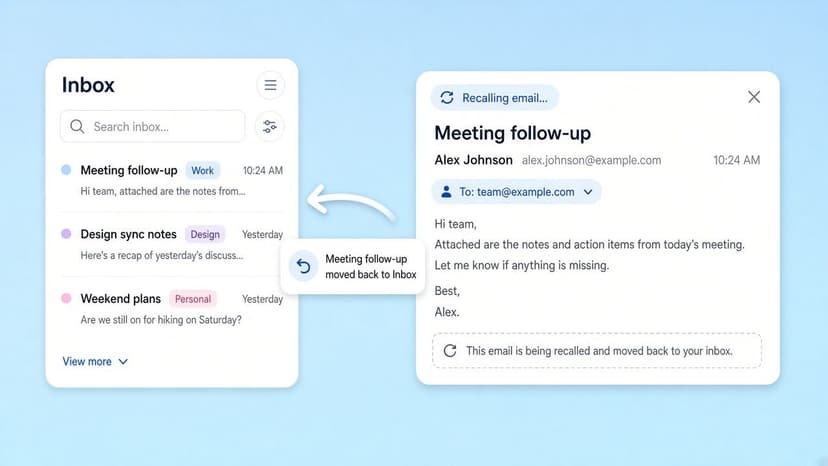
How to Recall an Email in Outlook (2026)
How to recall an email in Outlook step by step for new Outlook, classic Outlook, web, Mac, and mobile, plus when recall works and what to do when it doesn't.
2026-09-30T18:25:57.000Z
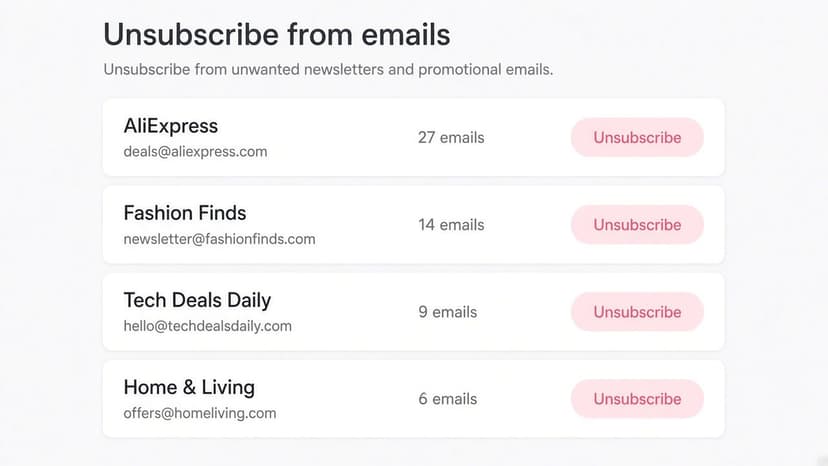
How to Stop AliExpress Emails (2026)
Stop AliExpress promotional emails: the unsubscribe link, notification settings in your AliExpress account, and what to do when the deals keep coming.
2026-09-30T18:25:57.000Z
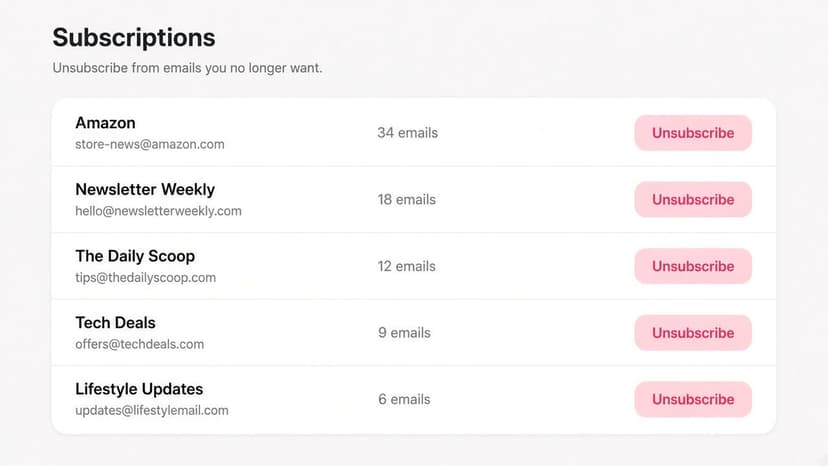
How to Stop Amazon Emails (2026)
Stop Amazon marketing emails with the Communication Preferences Center, manage Amazon email subscriptions, and handle order emails you can't switch off.
2026-09-30T18:25:57.000Z
How to Stop Domino's Emails (2026)
Stop Domino's emails with Domino's official opt-out page, stop Domino's text offers, and know which rewards emails keep coming.
2026-09-30T18:25:57.000Z