Enterprise Email Governance Policy Template (2026)
Most templates skip AI governance. This 2026 enterprise email governance policy template covers all 10 pillars, from retention rules to automation guardrails.

Most email policy templates cover about 10% of what your organization actually needs. They cover things like "be professional in your communications" and "don't send large attachments." That's fine for an employee handbook, but it won't hold up in an audit, a regulatory inquiry, or a legal hold.
What's missing? Retention mechanics. Legal hold authority and process. Admin control evidence. Monitoring frameworks. And the section that almost nobody includes yet: AI and automation governance. If you've adopted (or are evaluating) AI email assistants, your existing policy almost certainly doesn't address how those tools are allowed to read, classify, draft, or send on behalf of your people.
This post gives you the actual artifact: a complete enterprise email governance policy template you can copy into your policy system, customize with your organization's specifics, and present to legal, compliance, or audit. Beyond the template itself, you'll get a practical implementation playbook for Google Workspace and Microsoft 365, plus an AI governance addendum that works whether or not you use Inbox Zero.
What a Complete Enterprise Email Governance Policy Covers
People searching for an "enterprise email governance policy template" aren't looking for a blog post to read. They're trying to build a system that does specific things:
-
Holds up in an audit with clear scope, defined owners, documented evidence, and a stated review cadence
-
Prevents the predictable email failures: phishing, mis-sends, sensitive attachments going to the wrong recipient, domain spoofing
-
Manages records correctly, retaining what regulations and business needs require while deleting what privacy and risk reduction demand
-
Supports legal holds and eDiscovery without last-minute scrambling
-
Controls AI and automation so that "helpful tool" doesn't become "who approved this?"
If you do this right, you should be able to answer five questions in 60 seconds:
-
Which mailboxes are in scope and who owns them?
-
What retention rules apply, and where is the evidence?
-
How do we place a legal hold right now, and who is authorized?
-
Which tools are allowed to read or send mail, and under what rules?
-
How do we prove a message was preserved, deleted, or accessed?
If you can't answer those quickly, what you have isn't governance. It's a PDF.

What Is Email Governance and How Does It Work?
Think of email like a database with no schema. Every message is a row. The fields are messy (subject lines, free-form body text, attachments of every type). But the business meaning is real: approvals, obligations, customer commitments, financial decisions. And the risk is just as real: data leaks, fraud, retention failures, regulatory exposure.
Governance is what adds the missing schema, and it works in three layers:
Policy sets the rules about what should happen. Technical controls make those rules enforceable. Evidence proves that it actually happened.
This is precisely why "tell employees to behave" is never enough. Without controls and evidence backing up the policy, you have guidelines at best. Building effective email management strategies around these three layers is how organizations turn vague intentions into auditable governance.

10 Pillars of Enterprise Email Governance Policy
If any one of these pillars is missing, your policy looks solid until the first incident exposes the gap.
| # | Pillar | What It Covers |
|---|---|---|
| 1 | Scope | Systems, accounts, regions, message types |
| 2 | Roles and authority | Who can do what, and who owns outcomes |
| 3 | Acceptable use | Conduct standards and prohibited behaviors |
| 4 | Data classification | How to handle different sensitivity levels in email |
| 5 | Outbound safety | External recipients, encryption, disclaimers, approvals |
| 6 | Retention and deletion | Default rules plus exceptions |
| 7 | Legal holds and eDiscovery | Preservation triggers, authority, user obligations |
| 8 | Security controls | MFA, device requirements, phishing, DLP |
| 9 | Monitoring and audit | Proportionate monitoring, privacy, evidence retention |
| 10 | AI and automation governance | Draft-only defaults, guardrails, vendor rules |
The template below covers all ten.
12 Decisions to Make Before Writing Your Email Policy
Don't skip this section. These decisions shape every placeholder you'll fill in. If you can't answer them, you don't have a policy problem. You have an ownership problem.

-
What's in scope? Corporate email only, or also shared inboxes, aliases, distribution lists, and mail forwarders?
-
Which regions? GDPR, UK GDPR, US state privacy laws, sector-specific rules. Your scope determines your regulatory obligations, and it shapes your GDPR email deletion rules directly.
-
What counts as a "record"? Approvals, contracts, customer commitments, HR decisions, financial authorizations. Define this explicitly.
-
What's your retention posture? "Retain everything forever" is not safer. It increases breach blast radius and eDiscovery costs. Microsoft explicitly frames governance as both retaining and deleting based on policy.
-
Who has legal hold authority? Who can place holds, who can release them, and what's the escalation path?
-
Personal email usage? Allowed for any company business? (Usually the answer is no, except with documented exceptions.)
-
External forwarding rules? Default deny, or controlled allow with approval workflows?
-
Sensitive data in email? Do you allow sending PII, PHI, or PCI data in plain email, or do you require encryption?
-
AI and automation posture? Draft-only by default? Is auto-send ever allowed? For which roles or scenarios? Your email retention policy and AI governance rules need to speak the same language.
-
Approved tools list? Which add-ins, CRMs, and AI email assistants are authorized to read or send mail?
-
Evidence requirements? What logs, screenshots, or exports do you keep for audits?
-
Review cadence? Quarterly, semi-annual, annual? And what triggers an immediate off-cycle review?
The Full Enterprise Email Governance Policy Template
Copy this template into your policy system. Replace placeholders in {braces} with your organization's specifics. Delete sections that don't apply to your environment.

# {Company Name} Enterprise Email Governance Policy
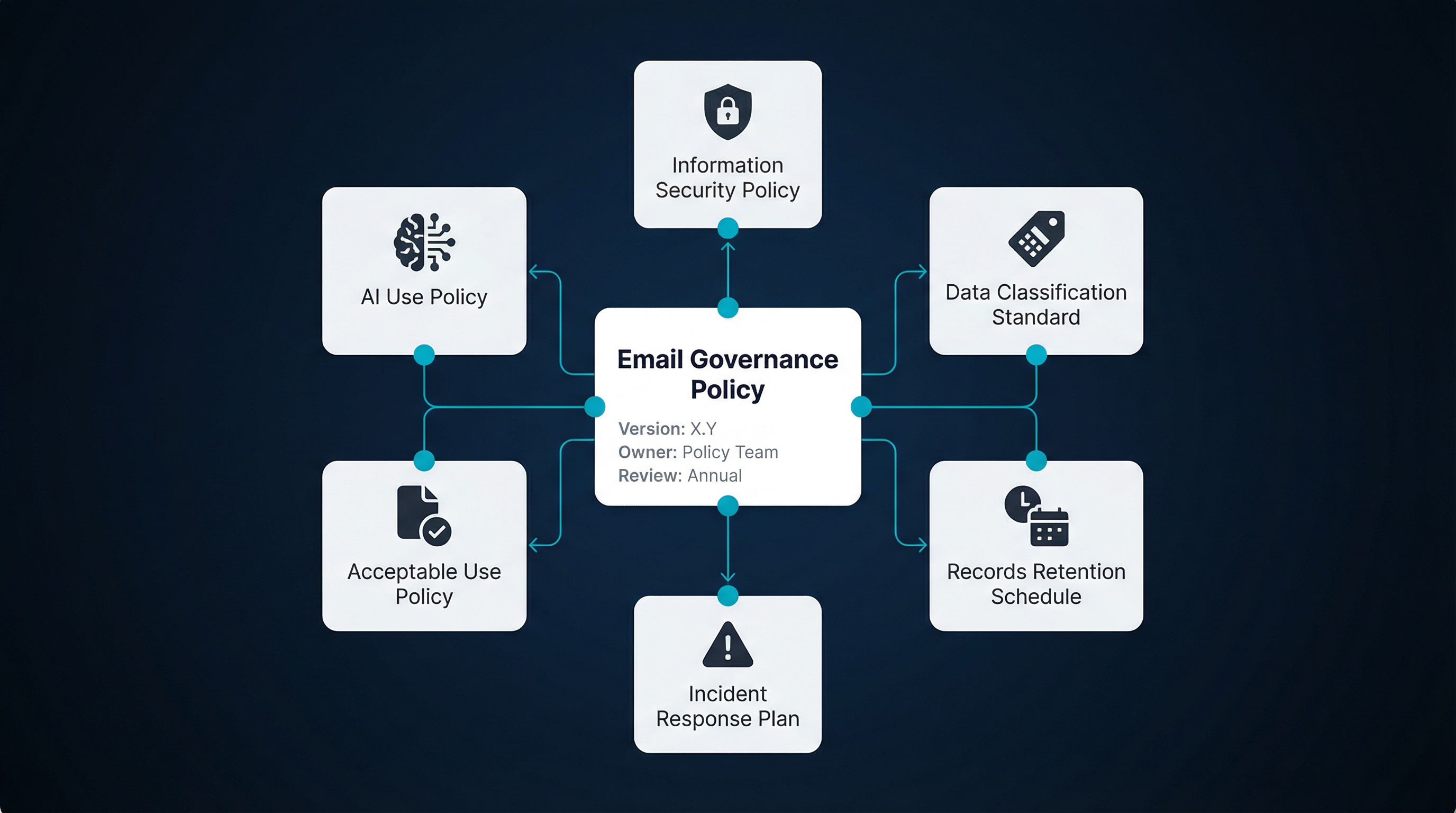
## Document Control
- Policy ID: {ID}
- Version: {X.Y}
- Owner: {Role/Team}
- Approved by: {Approver}
- Effective date: {YYYY-MM-DD}
- Next review date: {YYYY-MM-DD}
- Related documents:
- Information Security Policy
- Data Classification Standard
- Records Retention Schedule
- Incident Response Plan
- Acceptable Use Policy
- AI Use Policy (if separate)
---
## 1. Purpose
This policy defines how {Company Name} governs the use of enterprise
email to:
- Protect confidentiality, integrity, and availability of information
- Reduce fraud, phishing, and mis-send risk
- Meet records retention, legal hold, and eDiscovery obligations
- Ensure consistent, auditable controls across email accounts and tools
- Govern automation and AI-assisted email processing

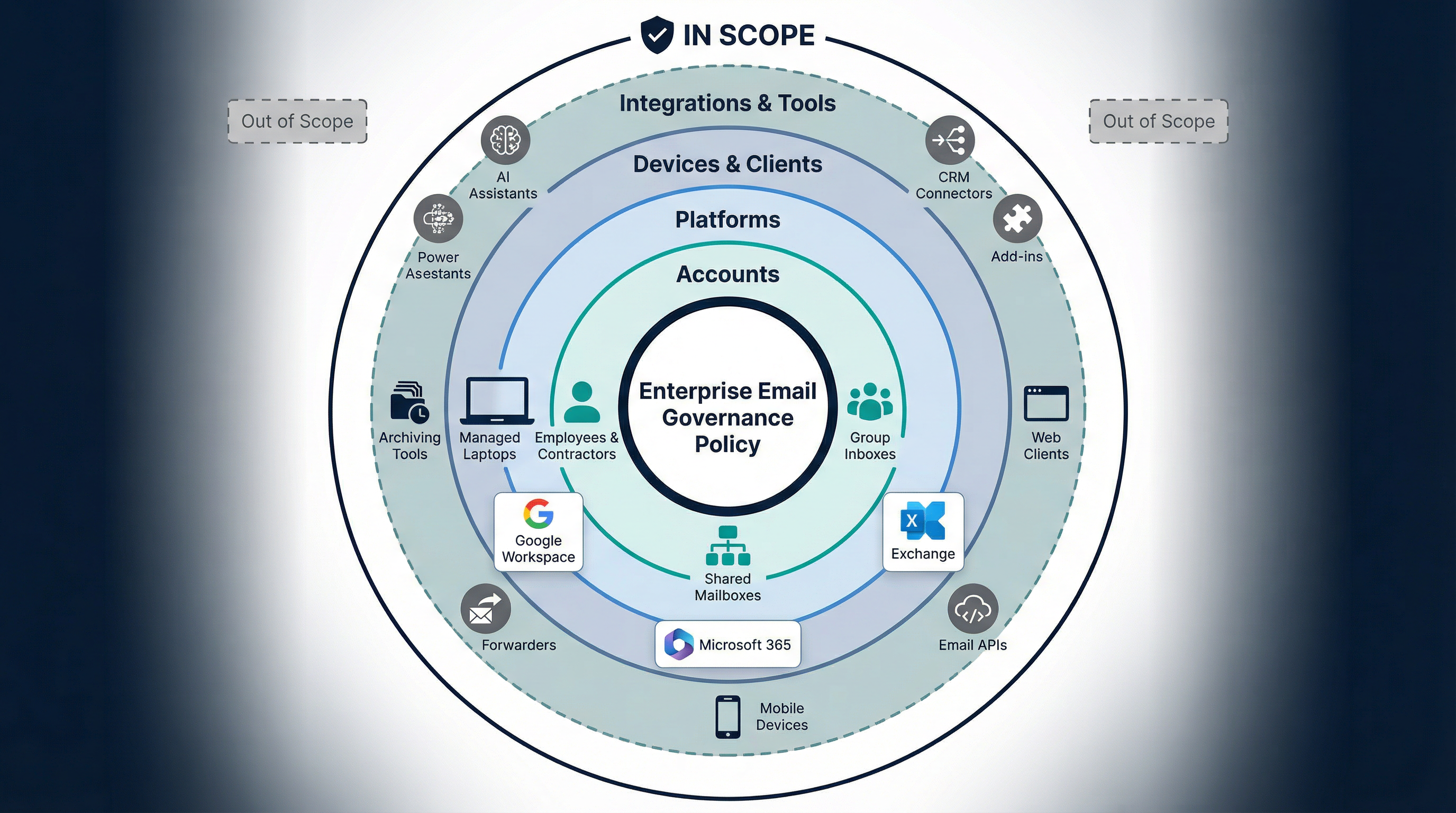
## 2. Scope
This policy applies to:
- All employees, contractors, and third parties using {Company Name} email
- All corporate email accounts, shared mailboxes, and group inboxes
- All devices and clients used to access corporate email
- All integrations and tools that read, classify, draft, send, forward,
or store email
In-scope platforms:
- {Google Workspace / Microsoft 365 / Exchange / Other}
Out of scope (if any):
- {List}
## 3. Definitions

- "Enterprise Email": Any mailbox or address issued and controlled by
{Company Name}.
- "Record": Email content that documents business activity, approvals,
commitments, financial decisions, HR decisions, or regulated
communications.
- "Transitory": Messages with short-lived value (FYIs, duplicates,
routine notifications).
- "Sensitive Data": {Define categories, e.g., PII, PHI, PCI,
credentials, secrets, legal privileged content}.
- "Legal Hold": Preservation requirement that suspends deletion for
specified custodians and content.
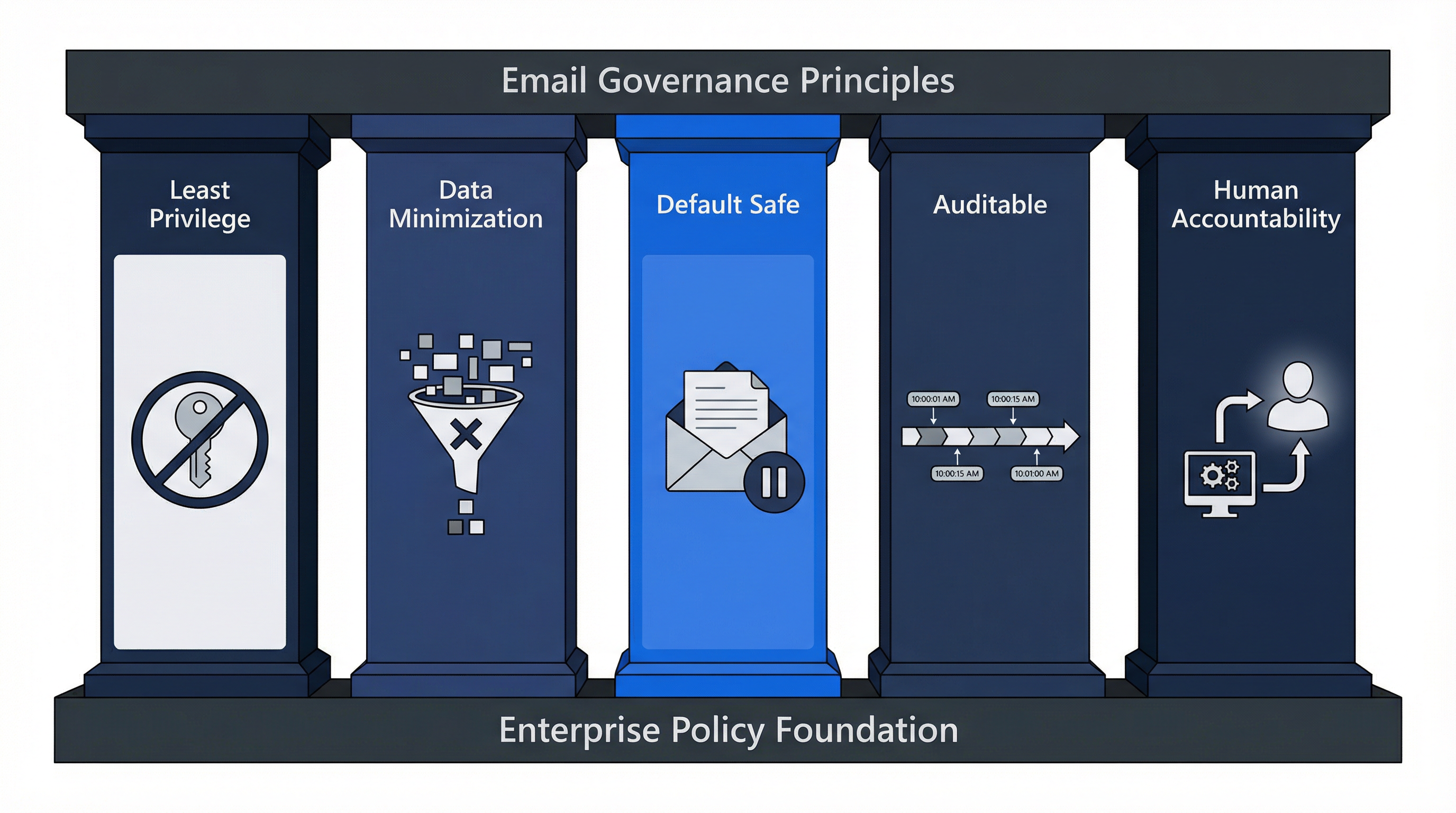
## 4. Governance Principles
1) Least privilege for access and integrations
2) Data minimization: keep only what we must, delete what we should
3) Default safe behavior: draft before send for automation
4) Auditable actions: every admin action and automated action must
be traceable
5) Human accountability: a person owns outcomes, even if a system acts
## 5. Roles and Responsibilities
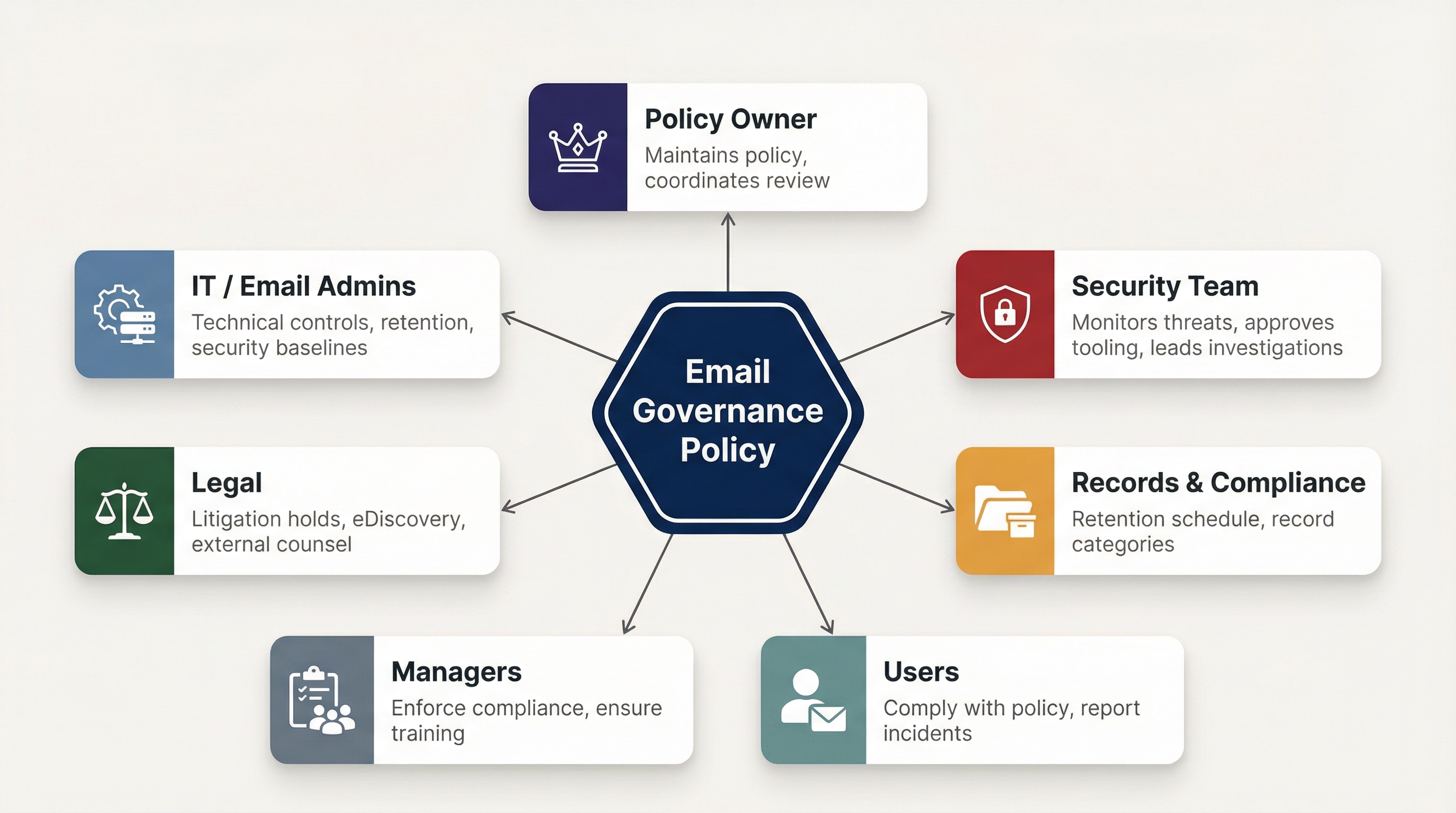
- Policy Owner ({Role}): maintains policy, coordinates review.
- IT / Email Admins: configure technical controls, retention, and
security baselines.
- Security Team: monitors threats, approves tooling, leads investigations.
- Legal: owns litigation holds, eDiscovery scope, external counsel
coordination.
- Records Management / Compliance (if applicable): defines retention
schedule and record categories.
- Managers: enforce compliance and ensure training completion.
- Users: comply with policy and report suspected incidents.
## 6. Authorized Email Use
### 6.1 Allowed accounts
- Work-related communications must be conducted using enterprise
email accounts.
- Use of personal email for company business is
{Prohibited / Restricted / Allowed with exception}.
### 6.2 Prohibited behaviors
Examples include:
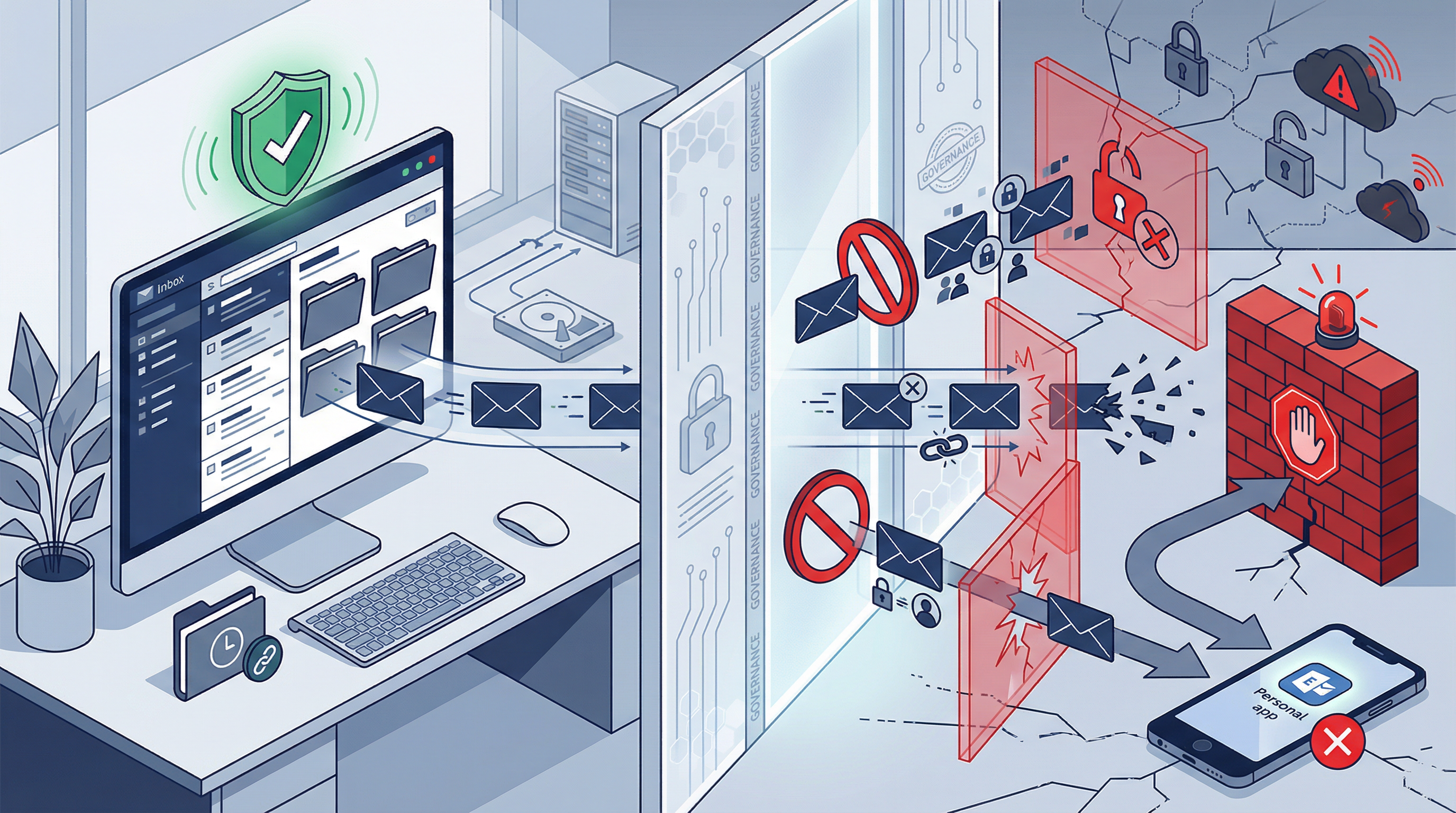
- Sending confidential data to personal accounts
- Forwarding enterprise email to external accounts without approval
- Bypassing approved channels for regulated communications
- Sharing credentials or MFA codes over email
## 7. Data Classification and Handling Rules
### 7.1 Classification in email
Users must classify email content according to
{Company Classification Standard}:
- Public
- Internal
- Confidential
- Restricted

### 7.2 Sensitive data restrictions
- Restricted data must not be emailed externally unless:
- {Encryption/secure portal} is used, AND
- Recipient identity is verified, AND
- {Approval workflow} is followed when required.
### 7.3 Attachments and links
- Prefer links to approved storage (e.g., Drive/SharePoint) over
attaching files when feasible.
- Attachments containing {Restricted categories} require {controls}.
## 8. Outbound Email Controls
### 8.1 Recipient safeguards
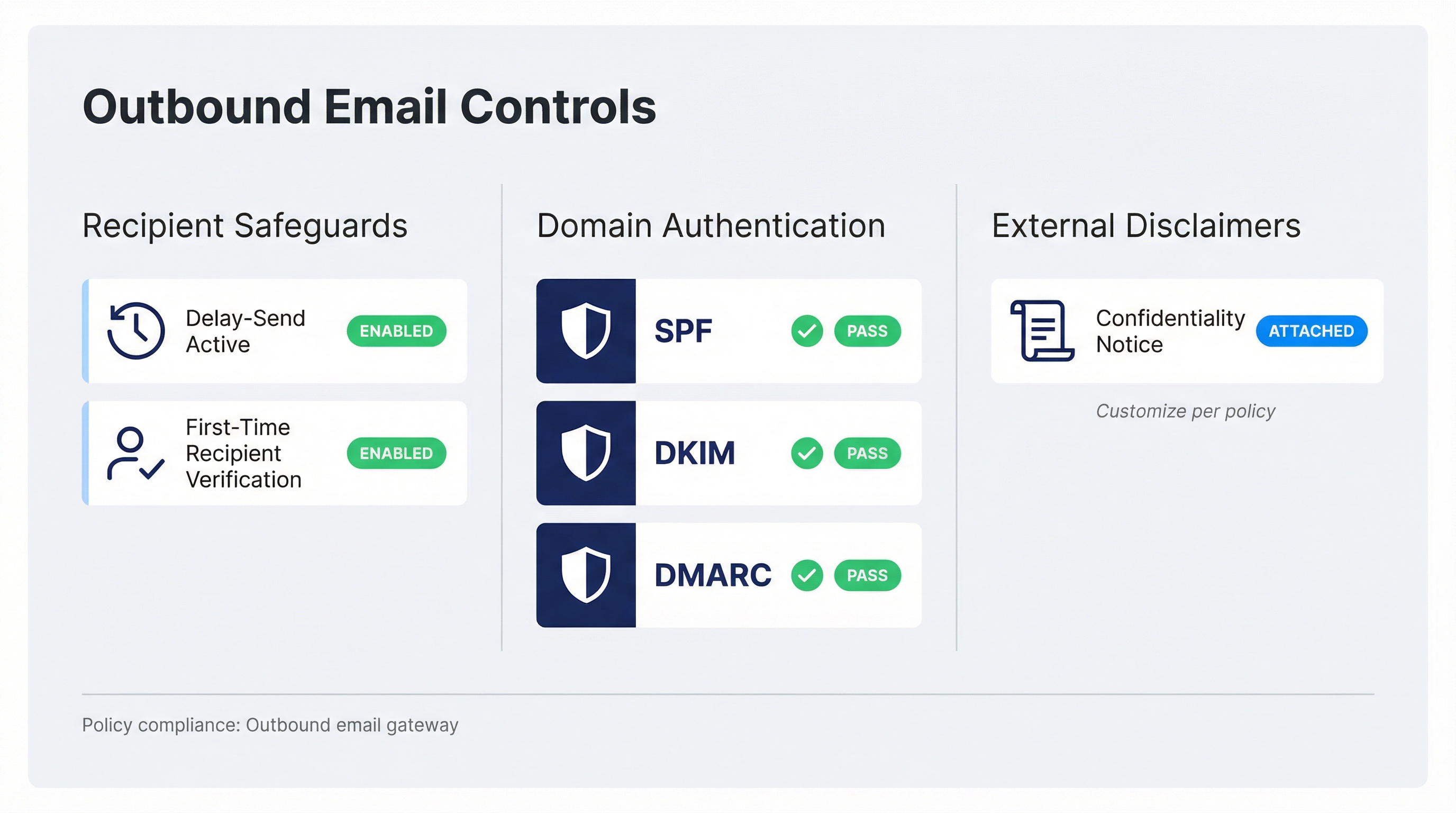
- Use delay-send for outbound external email where supported.
- For first-time external recipients, users must verify address
correctness.
### 8.2 External disclaimers
- {Define required disclaimers, e.g., confidentiality notice,
support hours, etc.}
### 8.3 Domain authentication
The organization will maintain email authentication for outbound
domains:
- SPF
- DKIM
- DMARC
## 9. Retention and Deletion
### 9.1 Retention schedule
Email retention is governed by the {Company Records Retention Schedule}.
Default rules:
- Default retention for general email: {X years/months}
- Default deletion for transitory email: {X days/months}
### 9.2 Records vs transitory email
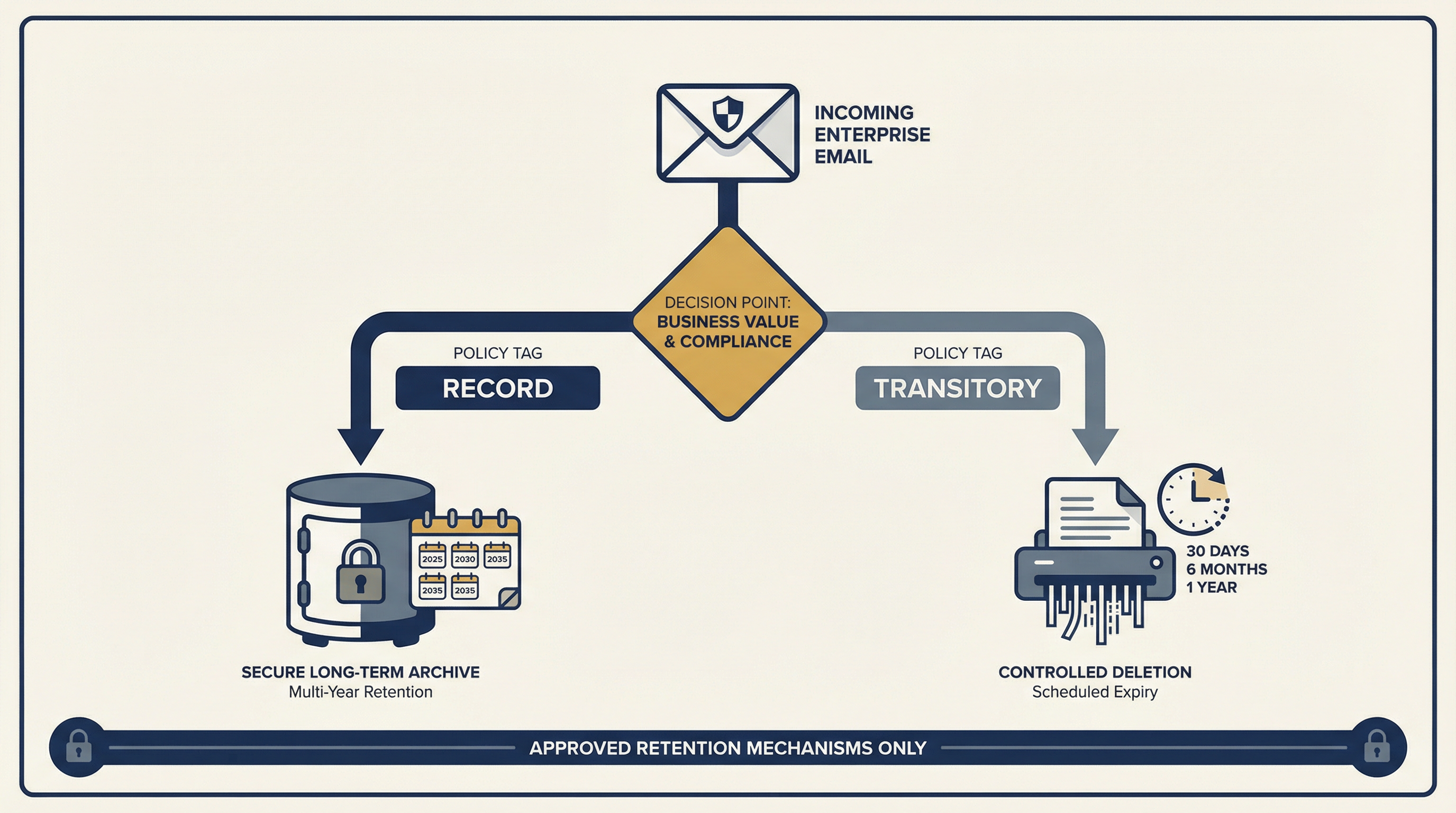
- Records must be retained according to schedule.
- Transitory email may be deleted when no longer needed, subject
to any hold.
### 9.3 Disposal
Deletion must be performed via approved retention mechanisms. Users
must not attempt to bypass retention controls.
## 10. Legal Hold and eDiscovery
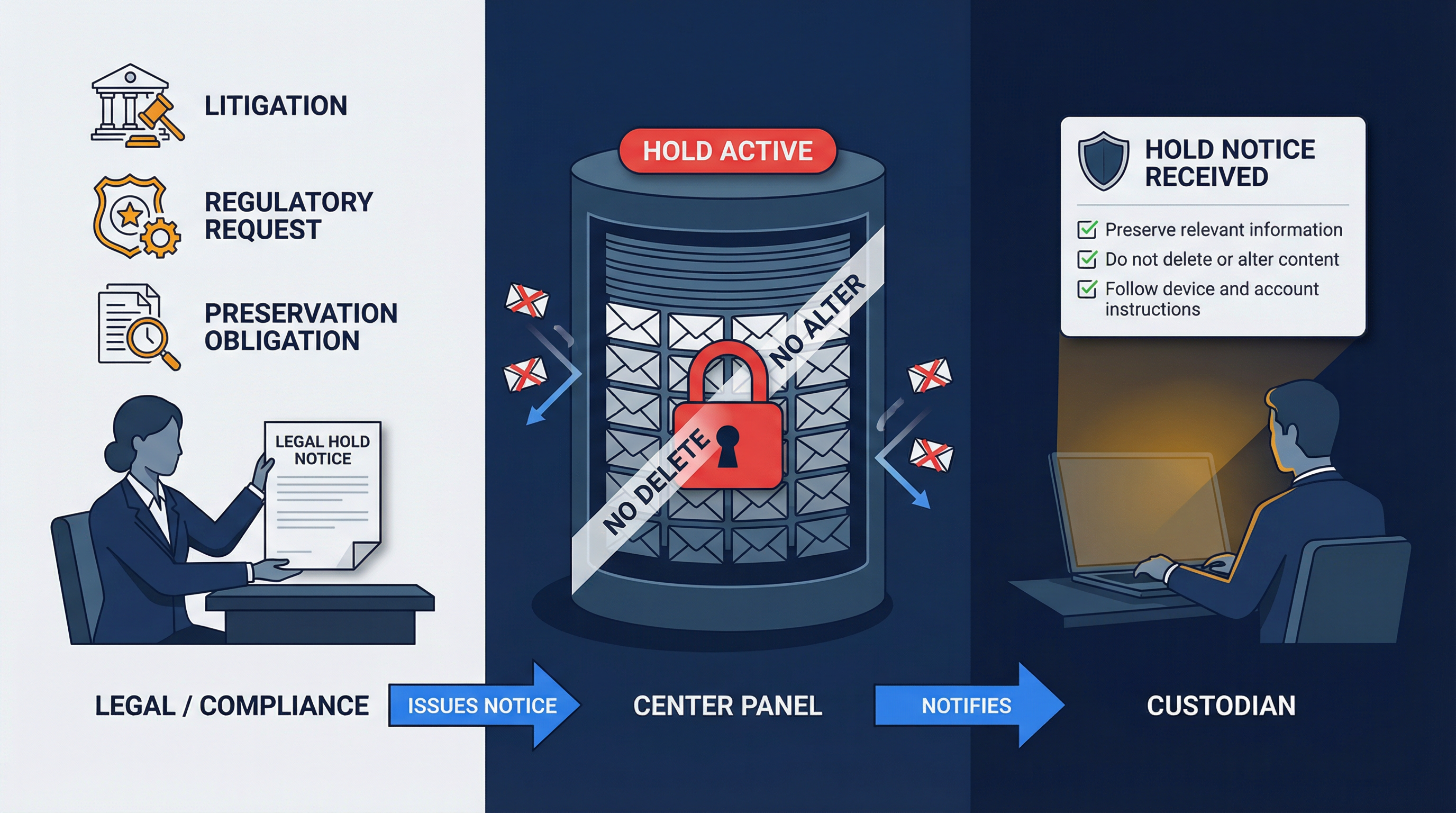
### 10.1 Legal hold triggers
Holds may be initiated due to:
- Litigation, disputes, investigations
- Regulatory requests
- Preservation obligations
### 10.2 Hold authority
Only {Legal / Compliance} may:
- Issue hold notices
- Define custodians and scope
- Approve hold release
### 10.3 User obligations under hold
Upon notice, custodians must:
- Preserve relevant information
- Avoid deleting or altering relevant content
- Follow instructions for device and account preservation
## 11. Security Requirements

### 11.1 Identity and access
- MFA is required for all email access.
- Admin access requires elevated controls (e.g., separate admin
accounts, conditional access).
### 11.2 Device security
- Devices accessing email must meet baseline security requirements:
- OS updates enabled
- Screen lock
- Disk encryption where applicable
- Managed device enrollment for {roles}
### 11.3 Phishing and fraud handling
- Users must report suspected phishing via {mechanism}.
- Known fraud patterns (invoice fraud, CEO impersonation) require
{controls}.
## 12. Approved Tools, Integrations, and Add-ins
- Any tool that reads, stores, drafts, sends, or classifies email
must be approved by {Security/IT}.
- Approved tools list: {Link or appendix}
- Prohibited tools: {List}
## 13. AI and Automation Governance (Critical)
### 13.1 General rule
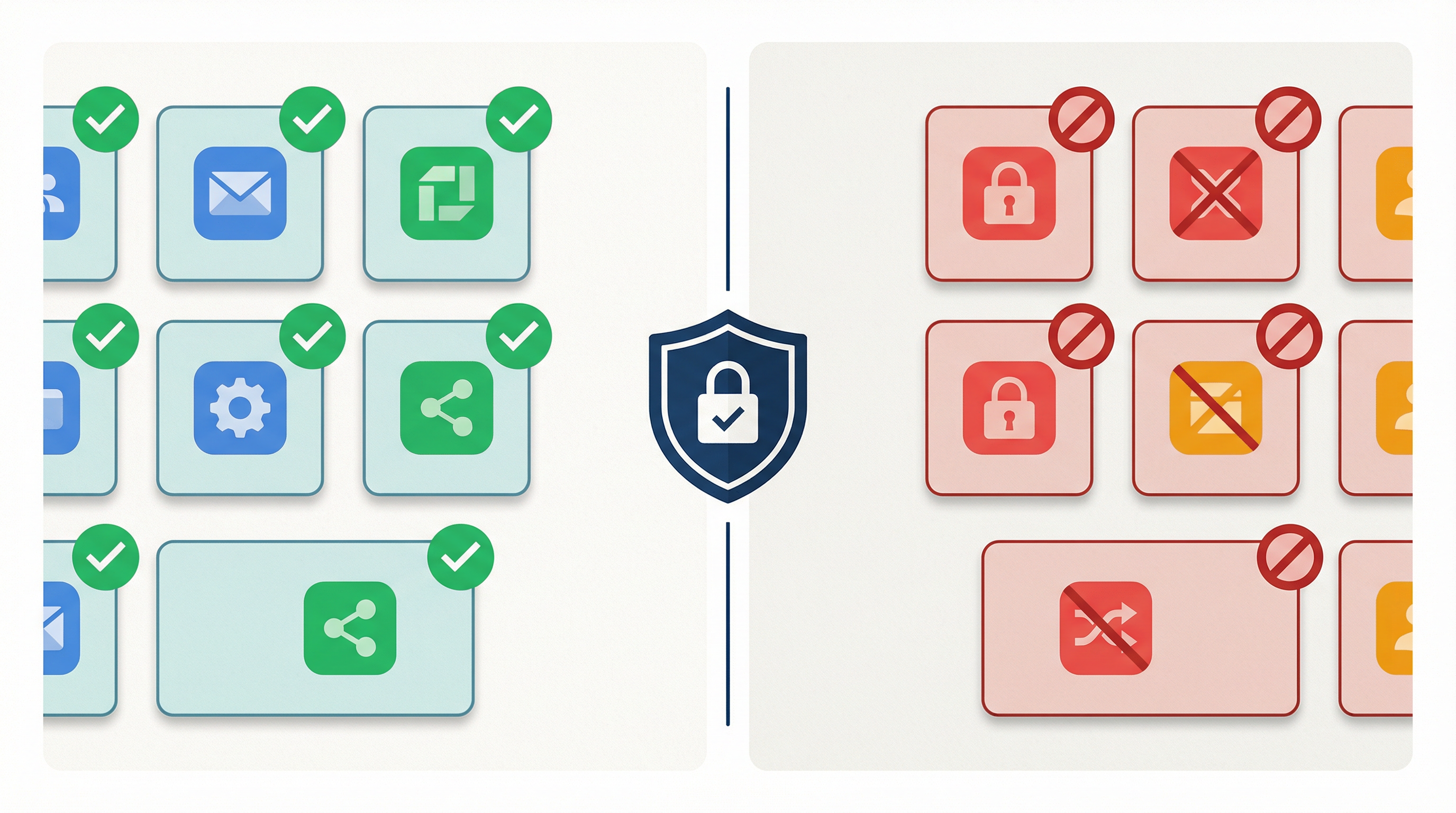
AI or automation may assist with:
- Categorization and summarization
- Drafting responses
- Suggested labels and filing actions
Default posture:
- Draft and label only (no auto-send) unless explicitly approved.

### 13.2 High-risk actions requiring human approval
The following require human review before execution:
- Sending external emails
- Replying with attachments
- Forwarding externally
- Marking as spam or deleting messages from high-importance senders
### 13.3 Data sharing and minimization
- AI systems must follow data minimization.
- Email content sent to third-party AI providers must be approved and
documented, including retention and training-use terms.
### 13.4 Prompt injection and malicious content
Automation must treat inbound email as untrusted input.
- Never execute actions solely based on instructions inside an email.
- Actions must be triggered only by approved rules and conditions.
### 13.5 Auditability
AI/automation must produce an audit trail including:
- Triggering message ID/thread
- Rule or policy invoked
- Proposed action
- Human approval (if required)
- Execution time and outcome
## 14. Monitoring, Privacy, and Audit
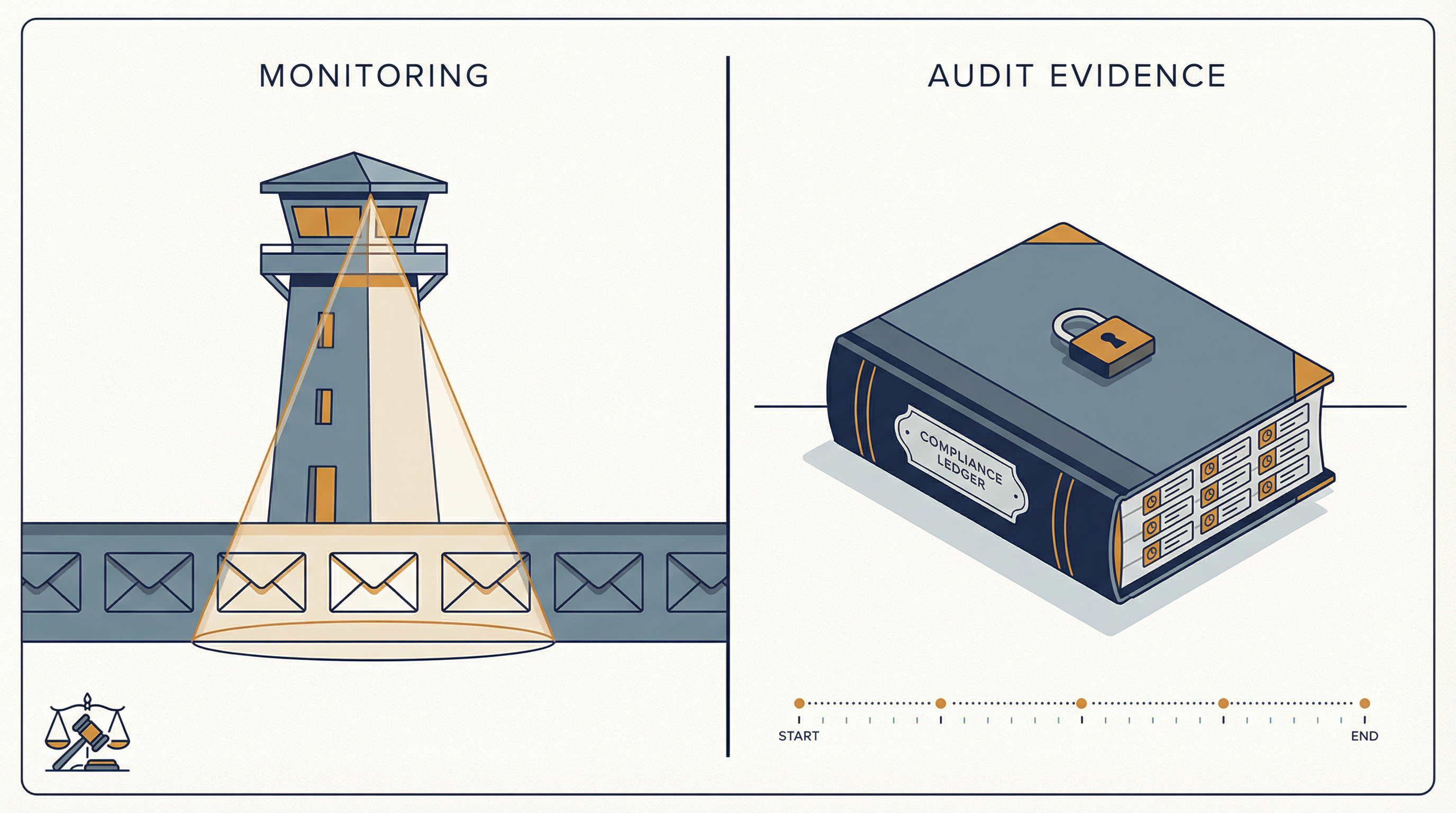
- The organization may monitor email systems to protect security,
ensure compliance, and investigate incidents.
- Monitoring must be proportionate and follow applicable laws and
HR policies.
- Audit evidence must be retained for {X}.
## 15. Incident Response
Email-related incidents include:
- Account compromise
- Malware/phishing incidents
- Mis-sent sensitive data
- Suspected policy violations

Reporting:
- Report immediately to {Security/IT channel}.
Response follows the {Incident Response Plan}.
## 16. Training and Acknowledgement
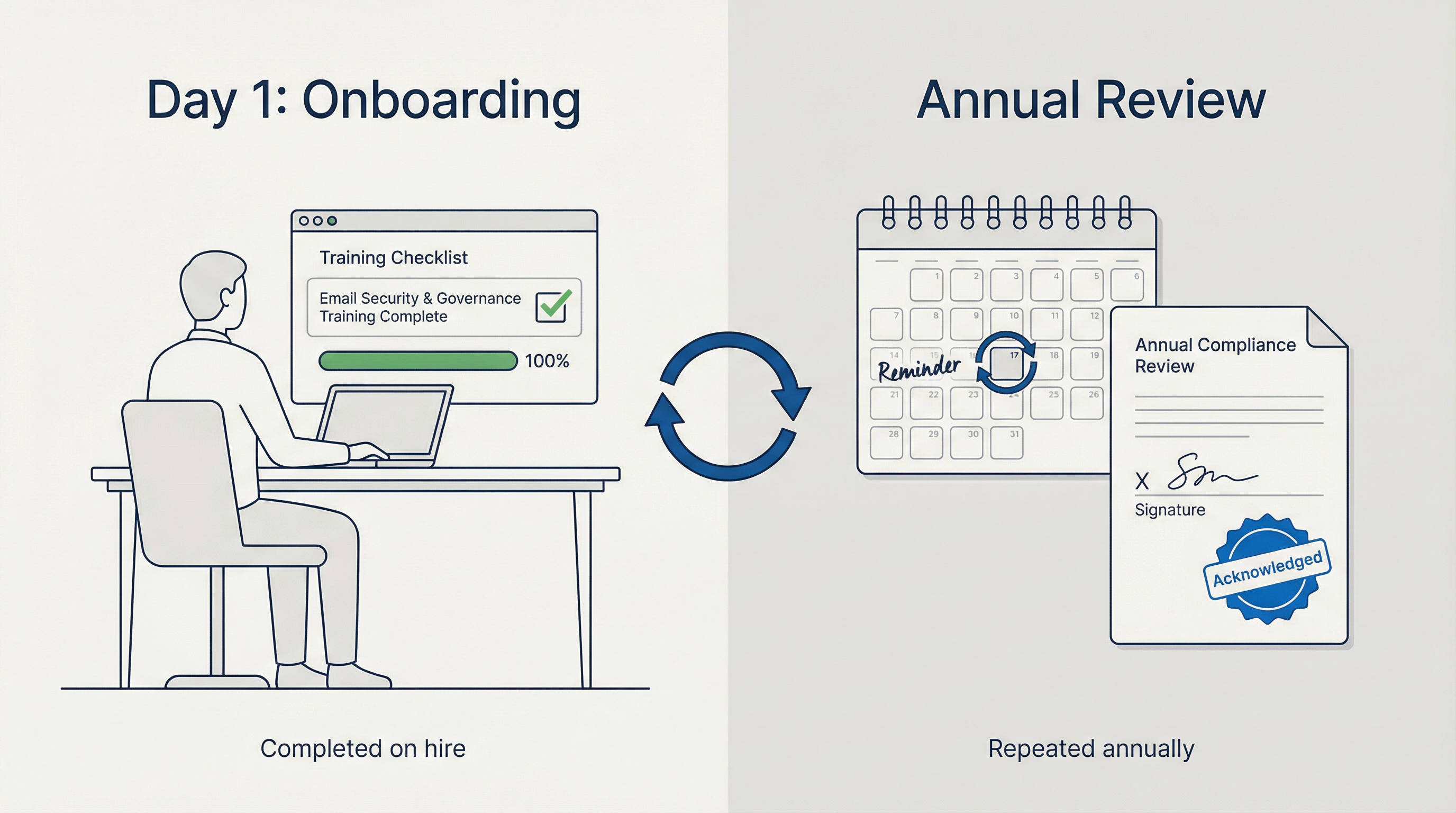
- All users must complete email security and governance training
on hire and at least annually.
- Users must acknowledge this policy.
## 17. Exceptions
- Exceptions require written approval from
{Security + Legal + Policy Owner}.
- Exceptions must have an expiry date and compensating controls.

## 18. Enforcement
Violations may result in:
- Removal of access
- Disciplinary action up to termination
- Contract termination for third parties

## 19. Review and Continuous Improvement
This policy is reviewed:
- At least annually, and
- After major incidents, platform changes, or regulatory changes

---
## Appendix A: Classification Quick Guide

{Provide simple do/don't examples for each classification level}
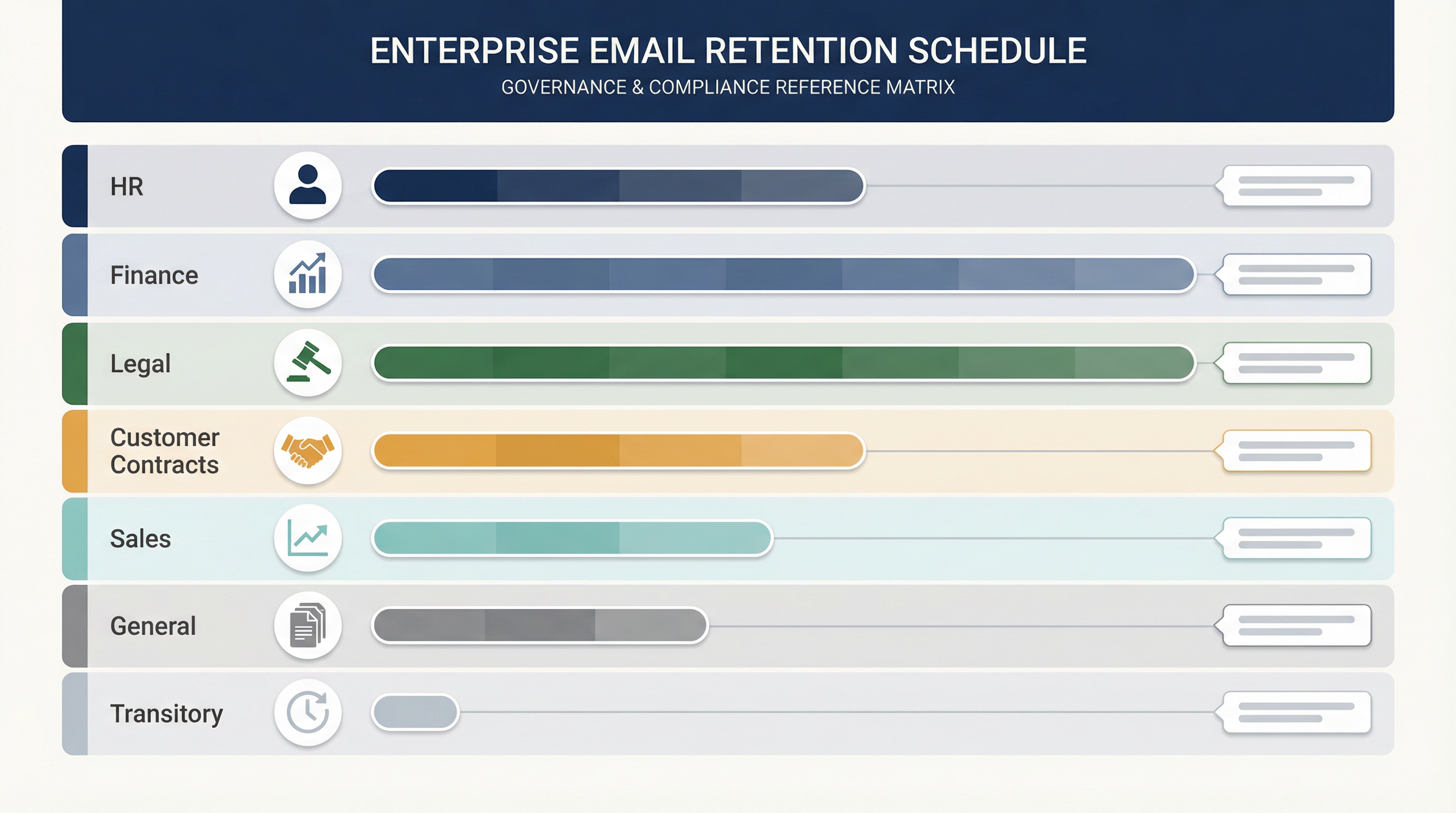
## Appendix B: Example Retention Categories
{Replace with your schedule: HR, Finance, Legal, Customer Contracts,
Sales, General, Transitory}
## Appendix C: Approved Tools List
{List + owners + justification for each approved tool}

## Appendix D: Evidence Pack Checklist
{Screenshots of retention policies, logs, training completion,
incident tickets, audit logs}

How to Set Up Email Governance in Google Workspace
A policy on paper is useless unless you can point to actual controls and evidence in your platform. For Google Workspace, two concepts drive almost everything.
Google Vault Retention Rules and Legal Holds

Retention rules define automated keep-or-purge behavior. Google Vault retention rules can keep data even if users delete messages from their inbox. This matters: it means your policy's retention schedule can be enforced regardless of what individual users do.
Holds override retention rules entirely. They're designed for legal or preservation obligations. Google's documentation on holds makes clear that holds never expire and can actually block account deletion until the hold is removed. If you're placing a litigation hold, Vault is doing exactly what your legal team needs.
Understanding how Gmail labels and folders work is foundational here. Retention rules in Vault operate at the label and OU level, so your labeling structure directly shapes what your retention policy can target.
Common Google Vault Retention Mistakes to Avoid
There are a few gotchas worth calling out.
First, after a retention rule expires, Google Vault's documentation notes that content may remain for approximately 30 days before it's permanently removed. So if your policy states "delete after 1 year," your actual implementation needs to account for this expunge delay, and you should document it.
Second, deleting a user with data on hold can affect Vault access and holds. This catches organizations off guard when someone leaves and IT deletes their account before legal has released the hold.
Google Workspace Audit Evidence to Collect
→ Screenshots or exports of Vault retention rules, organized by OU and category
→ Screenshots of active holds (case name, custodians, scope)
→ Change logs showing who modified retention or holds, and when
How to Set Up Email Governance in Microsoft 365
Microsoft's approach is different from Google's, and understanding the model is essential for correct implementation.

How Microsoft 365 Retains Email Data In Place
Microsoft uses what they call a "retain in place" model. Content stays where users work (in their mailbox, in SharePoint, in Teams), and retention policies create preserved copies in secured locations. For Exchange, that means the Recoverable Items folder. This approach is less disruptive to users because they don't see retention mechanics interfering with their daily workflow.
Microsoft 365 Hold Types: Litigation vs. eDiscovery
Microsoft distinguishes between multiple hold types, including Litigation Hold and eDiscovery holds. The guidance on this page was updated as recently as February 18, 2026, so it reflects current capabilities. Understanding which hold type to use matters because they have different scopes and different management requirements.
Important timing note: If you still rely on older eDiscovery experiences, be aware that Microsoft retired classic eDiscovery on August 31, 2025 for most tenants. If your hold process documentation references the old interface, it needs updating.
If your organization uses Outlook, understanding how to fix Outlook rules not working is worth flagging for your IT team. Retention rule failures often surface in the same troubleshooting context as standard mail flow rules.
Microsoft 365 Audit Evidence to Collect
→ Retention policies and labels list, including "last updated" metadata
→ Holds list by case: custodians, locations, and modification history
→ Documentation of who can place Litigation Hold (updated 2025)
Email Domain Authentication: SPF, DKIM, and DMARC Requirements
If your organization sends marketing, product, or high-volume transactional email, mailbox providers have been tightening their requirements. This is part of email governance now, even though many policies ignore it.
Your policy should require three things for every outbound domain:
-
SPF (Sender Policy Framework): Specifies which servers are authorized to send email for your domain
-
DKIM (DomainKeys Identified Mail): Cryptographically signs messages so recipients can verify they weren't altered
-
DMARC (Domain-based Message Authentication, Reporting, and Conformance): Tells receiving servers what to do with messages that fail SPF or DKIM checks

Google's sender guidelines cover SPF, DKIM, and DMARC requirements, plus unsubscribe expectations and spam-rate thresholds. Enforcement has been ramping up through 2025 and into 2026. Microsoft has published similar requirements for high-volume senders, including SPF, DKIM, and DMARC expectations.
Understanding why emails go to spam often traces back to these authentication gaps. Similarly, email deliverability strategies treat SPF/DKIM/DMARC as foundational requirements for any organization sending at scale.
If your policy ignores outbound authentication, you'll eventually confuse a "deliverability incident" with a "security incident." They feel the same to the business, and the root cause investigation will lead right back to governance gaps.
Email Compliance and Regulatory Requirements for Businesses
You don't need to be a bank to care about email recordkeeping. But regulated industries are a clear warning sign for everyone else.
The SEC announced charges against multiple firms in January 2025 for failure to maintain and preserve electronic communications, resulting in $63.1 million in combined civil penalties. These weren't obscure violations. They were straightforward failures to keep records that the firms were legally required to preserve.
FINRA's books and records guidance explains that between 2021 and 2024, 77 FINRA member firms settled SEC enforcement actions related to off-channel communications. FINRA Rule 4511 generally requires preserving certain books and records for at least six years when no specific retention period is specified, and references SEC Rule 17a-4 format requirements.
For organizations in financial services, understanding SOX email audit trail requirements is essential. The 7-year retention standard for financial decision emails is a direct consequence of the same regulatory regime driving these SEC enforcement actions.
Healthcare organizations face HIPAA-compliant email requirements that carry their own significant enforcement exposure. And for government contractors, FedRAMP email compliance requirements add another layer of platform authorization and audit trail obligations.
Even outside regulated industries, the pattern is universal: when something goes wrong, the first question is always "can you produce the communications?"
GDPR and Privacy: When to Delete vs. Retain Email
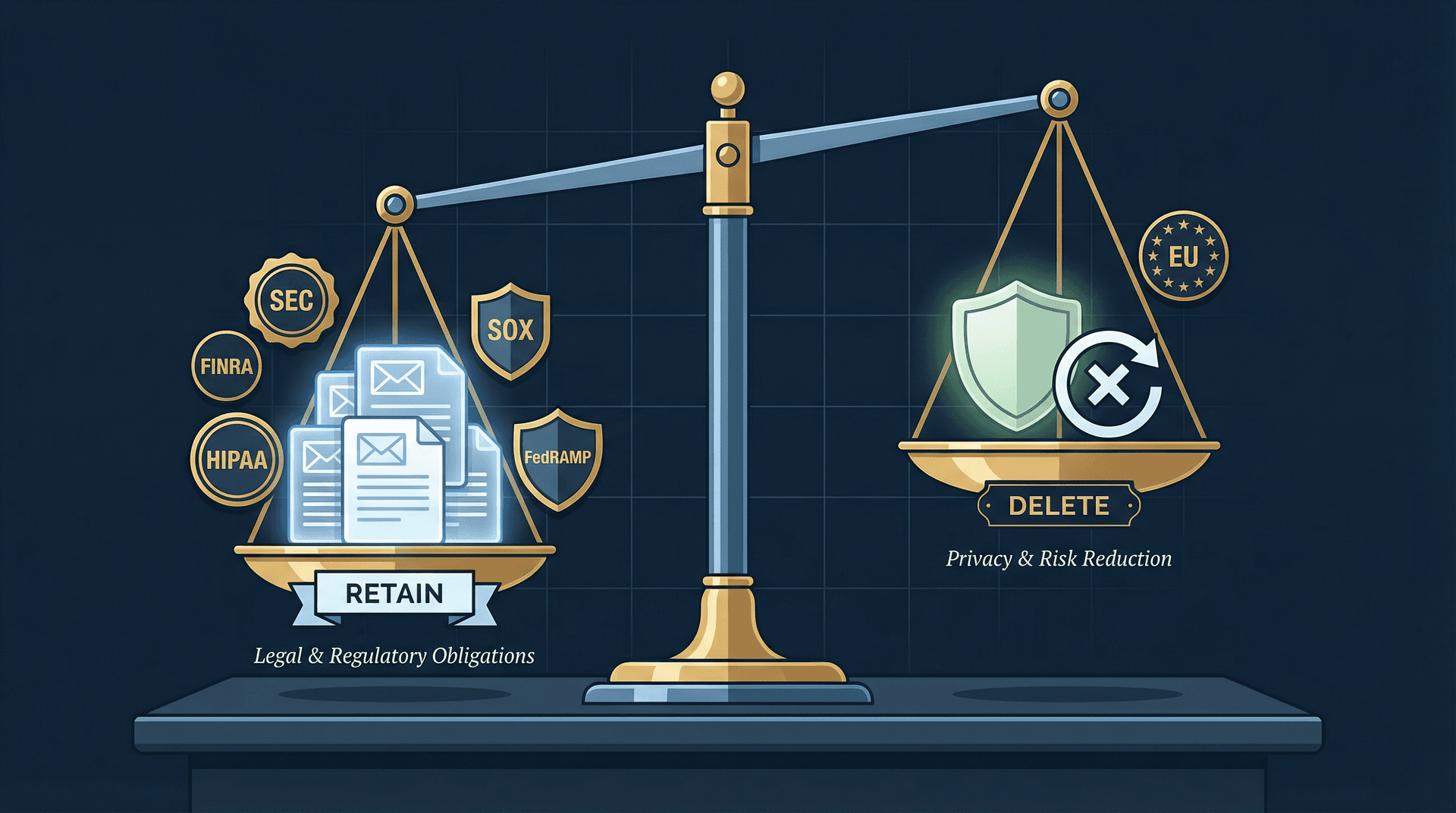
You need to hold two truths simultaneously. Keep what you must (legal, regulatory, contractual obligations). Delete what you should (privacy, risk reduction, cost management).
The EU's storage limitation principle under GDPR states that personal data should not be kept longer than necessary, and that organizations should set time limits and periodically review and erase data. The GDPR email deletion rules for companies directly implement this principle with specific technical enforcement patterns.
If your instinct is "keep everything forever to be safe," push back on that. Forever-retention is often the opposite of safe. It increases your breach blast radius, inflates eDiscovery costs, and can put you on the wrong side of privacy regulations.
AI and Email Automation Governance Policy Requirements
This is the section that separates a 2026 email governance policy from one written in 2015. Most templates still don't include it.

The core principle is straightforward: email is untrusted input. AI is a powerful amplifier. Your policy must define exactly what that amplifier is allowed to do.
Five things your AI governance section needs to explicitly address:
-
Default mode: Draft-only (safe) versus auto-send (high risk). Draft-only should be the default for any new AI email automation deployment.
-
Approval requirements: Which actions require a human to review before execution? Sending externally, replying with attachments, and forwarding outside the organization are good starting points.
-
Vendor data handling: What are the AI provider's retention windows? Do they use API data for model training? What's their subprocessor list? These questions need documented answers. Understanding the security risks of giving AI tools access to your email, particularly prompt injection vulnerabilities, is exactly the kind of due diligence your policy should require.
-
Prompt injection protection: Automation must never take instructions from the content of an email as authorization to act. Actions should be triggered only by approved rules and conditions.
-
Audit trail: Every AI-assisted action needs a record: the triggering message ID, the rule or policy invoked, the proposed action, whether human approval was obtained, and the execution outcome. Email productivity metrics for teams provides a useful framework for the kinds of signals your audit trail should capture.
Before approving any AI email tool, verify whether it's safe to connect third-party apps to your email. OAuth scope review, SOC 2 attestation, and data flow documentation are the minimum bar.
Inbox Zero's privacy policy (last updated November 11, 2025) provides a good example of the specificity your own policy should demand from any AI email tool. It explicitly describes what data is stored versus what isn't retained long-term, and notes that email content may be shared with third-party AI models to deliver features while prohibiting providers from training on customer data. That level of transparency is what you should require from every tool on your approved list.
Inbox Zero Enterprise: Governance and Compliance Features
If you're evaluating AI email tools through a governance lens, Inbox Zero for Enterprise is worth looking at closely. Not because it's the only option, but because its architecture was built around principles that align naturally with enterprise governance requirements.
Inbox Zero Architecture: AI, Rules, and Human Control
Inbox Zero separates what the AI does from what the system executes. The AI handles classification, summarization, and intent detection. A deterministic rule engine handles the actual actions (labeling, archiving, drafting replies, forwarding). And by default, humans stay in the loop.
This separation matters for governance because it means you can audit why something happened. The rule that fired is explicit. The AI's classification is logged. And with draft-only mode as the default, nothing goes out without someone reviewing it first.
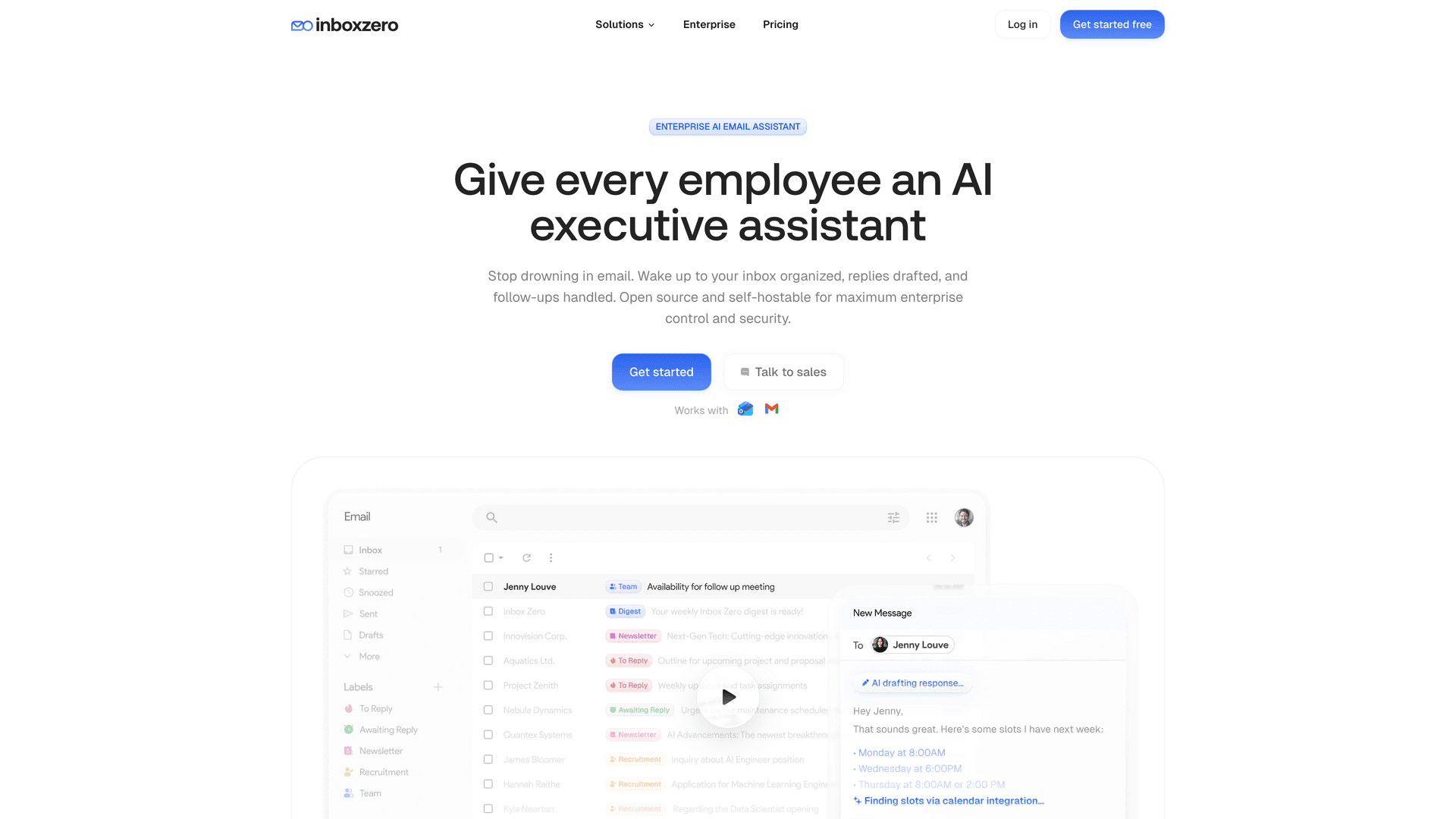
According to Inbox Zero's AI Personal Assistant documentation, the system supports actions like labeling, archiving, drafting replies, forwarding, calling webhooks, and more. The critical governance detail is that automation can be toggled off entirely, with proposed actions appearing in a Pending or Planned queue for manual review. There's also a "Fix" UI for correcting misfires and a testing screen for validating rules before deploying them.
The Reply Zero feature provides an important governance layer for reply tracking. Every thread needing a response is labeled and surfaced, creating an implicit audit trail of outstanding communications obligations.
Inbox Zero Security: SOC 2, CASA Tier 2, and Open Source
For enterprise procurement and security review, Inbox Zero's enterprise offering provides several concrete things to evaluate:
-
SOC 2 Type 2 compliance: The Inbox Zero enterprise security page covers SOC 2 compliance, with 20 published internal policies and 17 controls covering TLS, secure code practices, incident response, device security, and multi-factor authentication. See our guide on SOC 2 compliant email tools for what to verify beyond the badge.
-
CASA Tier 2 approved: Google's Cloud Application Security Assessment program, required for apps accessing sensitive Gmail scopes. Tier 2 involves authorized lab scanning plus verification by an authorized assessor
-
Open source: Inbox Zero's open-source codebase (approximately 10.1k stars, 1.2k forks at time of writing) means your security team can audit the actual code, not just trust marketing claims. See the Inbox Zero open source project for details
-
Self-hosting: For organizations that need full control over data residency, Inbox Zero supports self-hosted deployment with your own infrastructure
-
Bring your own AI keys: Supports Anthropic, OpenAI, Google, Groq, OpenRouter, and even Ollama for fully local inference in self-hosted setups via the LLM setup documentation. This means your data handling terms are with the AI provider you choose, not dictated by a middleman
Other Inbox Zero Features That Support Email Governance
Beyond the core AI assistant, Inbox Zero includes several capabilities relevant to enterprise governance:
-
Cold Email Blocker reduces unsolicited inbound volume that could expose employees to phishing attempts
-
Email Analytics provides visibility into email flow patterns, useful for monitoring and audit purposes
-
Bulk Email Unsubscriber helps organizations reduce newsletter volume that creates unnecessary data retention obligations
How Inbox Zero Handles Data Minimization
Inbox Zero stores planned responses rather than full email content. Combined with the BYO-key option and self-hosting path, this gives compliance teams multiple levers for managing data exposure.
Inbox Zero Chrome Extension: Lightweight Email Organization
For teams that want better email organization without deploying a full AI assistant, the Inbox Zero Tabs for Gmail extension adds customizable tabs to Gmail using saved searches or labels. It runs entirely client-side with no data collection and no external server calls. The Chrome Web Store listing shows it was updated January 20, 2026, and all settings are stored locally in the browser.
Inbox Zero Enterprise Pricing
As of March 2026, Inbox Zero's enterprise plans start at $18/user/month (Starter), $28/user/month (Plus), and $42/user/month (Professional) billed annually, with a 7-day free trial. Monthly prices are higher. Treat any pricing as subject to change and verify before purchase decisions.
If you're building out an email governance program and need an AI email assistant that fits into your Approved Tools appendix without creating compliance headaches, try Inbox Zero free for 7 days.
What to Include in Your Email Governance Evidence Pack
The difference between "we have a policy" and "we have governance" comes down to one thing: can you produce the evidence? Keep a folder (physical or digital) with these items, updated regularly:

1. Policy documentation
→ Current policy PDF with version history and approval records
2. Scope inventory
→ All domains, mailbox types, shared inboxes, and their designated owners
3. Retention configuration evidence
→ Google Vault: Screenshots of retention rules by OU and by category
→ Microsoft Purview: Retention policies and labels export with "last updated" metadata
4. Hold process evidence
→ Who has authority to initiate holds
→ Example hold notice template
→ Screenshot of an active hold (redacted if needed)
5. Tool approval evidence
→ List of approved integrations with owners and justification for each
→ Privacy policy and data flow summary for every tool that touches email. Understanding whether it's safe to connect third-party apps to Gmail is part of this review
6. Training and incident history
→ Training completion reports (annual email security and governance training)
→ Incident log for email-related events, including near misses
Boring? Yes. Effective? Absolutely.
How to Turn an Email Policy into Working Governance
An enterprise email governance policy template is a starting point, not the finish line. The template in this post covers all 19 sections your organization needs, from document control through review and continuous improvement, plus the four appendices that turn abstract policy into concrete evidence.
But the policy only becomes governance when you do three things: implement the technical controls in your actual platform (Google Workspace, Microsoft 365, or both), build the evidence pack that proves those controls are active, and establish a review cadence that keeps the whole system current.

Reducing email overload in organizations is actually a governance problem at its root. The same systems that create governance risk (unmanaged email volume, untriaged shared inboxes, unvetted integrations) are the same ones driving the day-to-day overwhelm. Fixing governance fixes both.
If you're ready to bring AI-assisted email management into your governance program with draft-only defaults, full audit trails, and SOC 2 compliance built in, start your free trial of Inbox Zero.
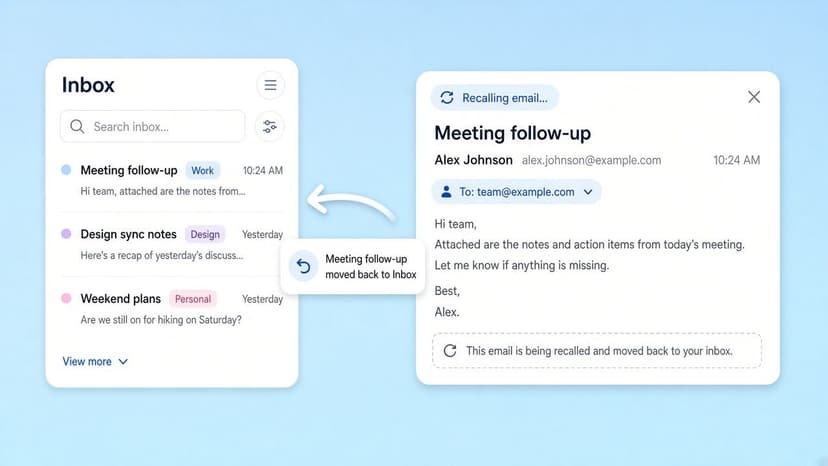
How to Recall an Email in Outlook (2026)
How to recall an email in Outlook step by step for new Outlook, classic Outlook, web, Mac, and mobile, plus when recall works and what to do when it doesn't.
2026-09-30T18:25:57.000Z
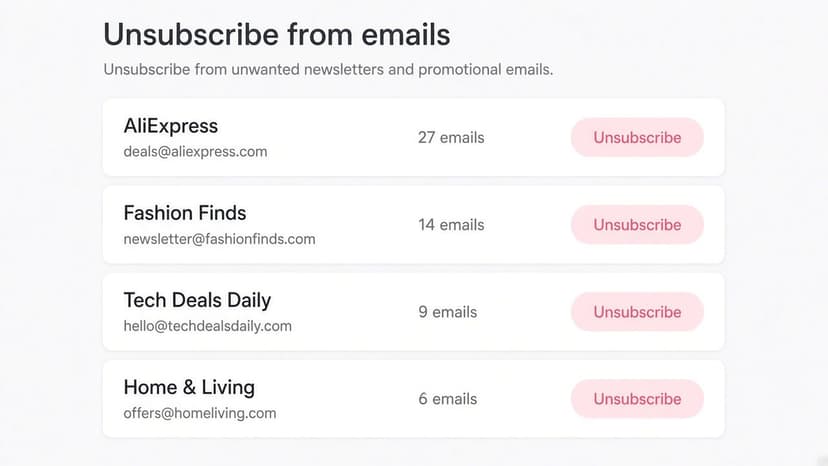
How to Stop AliExpress Emails (2026)
Stop AliExpress promotional emails: the unsubscribe link, notification settings in your AliExpress account, and what to do when the deals keep coming.
2026-09-30T18:25:57.000Z
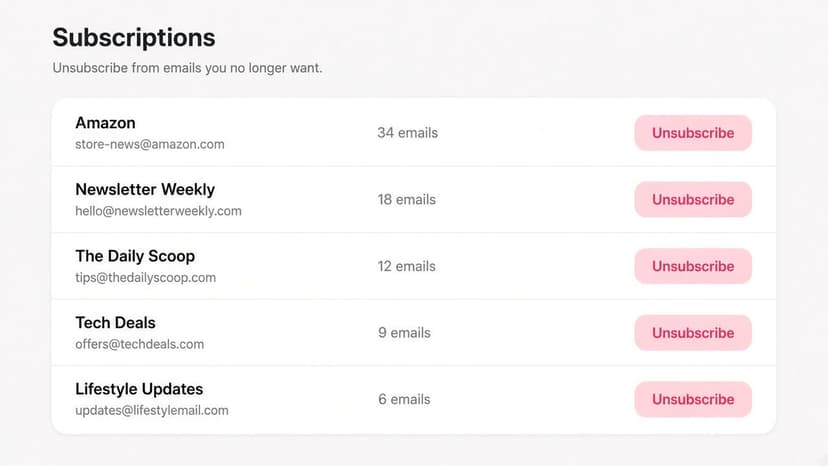
How to Stop Amazon Emails (2026)
Stop Amazon marketing emails with the Communication Preferences Center, manage Amazon email subscriptions, and handle order emails you can't switch off.
2026-09-30T18:25:57.000Z
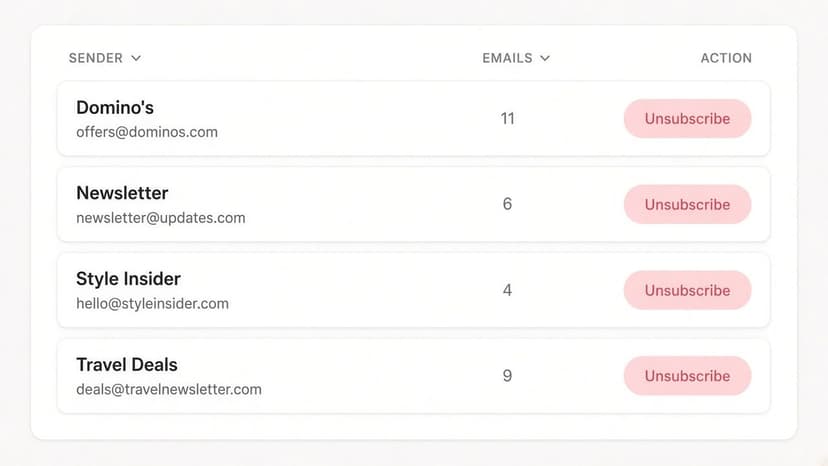
How to Stop Domino's Emails (2026)
Stop Domino's emails with Domino's official opt-out page, stop Domino's text offers, and know which rewards emails keep coming.
2026-09-30T18:25:57.000Z